
Hopscotch

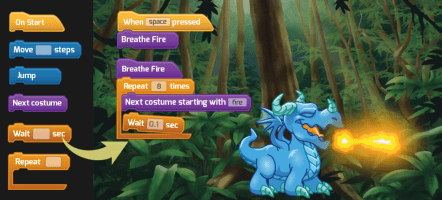
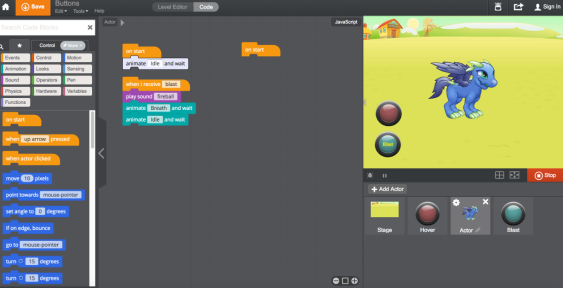
Hopscotch is a great early programming tool for students ready to transition from lesson by lesson tutorials, or who have progressed beyond Scratch Jr., and are ready to design their own games. Hopscotch also is unique in its approach to coding through art design as well.
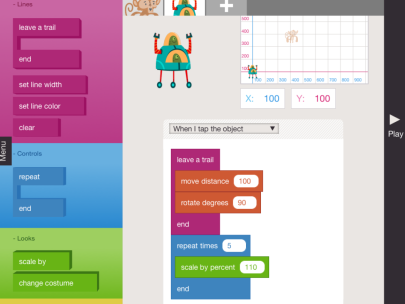
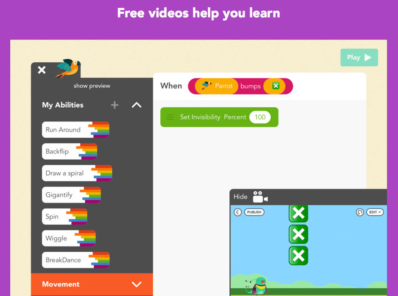
Screen Shot 2018-08-20 at 8.22.22 PM


Screen Shot 2018-08-20 at 8.22.45 PM

Check out the video below to see how one of our 2nd graders created a game using Hopscotch, with a step by step tutorial given by the 2nd-grade coder themselves!

Scratch Jr.

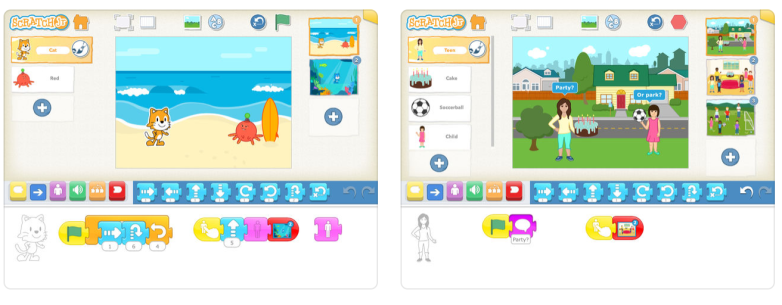
Scratch JR. continues to be one of the leading platforms for teaching young students how to code. Because it lays the groundwork for success when students are ready to make the transition to Scratch (the more robust platform for older students), it becomes a natural transition when they are ready to layer in more advanced commands.

Screen Shot 2018-08-20 at 8.17.54 PM

Tynker

Tynker is both an app and an online platform that teaches early coding. Even the free offerings provide a large volume of coding lessons. For younger students, the “drag and drop” block-based coding is presented in a way that they can learn the basic elements of coding. There are a number of game-based tutorials that keep young learners engaged, and lay the groundwork for java and python languages down the road.

Screen Shot 2018-08-20 at 2.45.19 PM

Screen Shot 2018-08-20 at 2.44.54 PM
More advanced coding options for older students

PicsArt

PicsArt is a more advanced photo editor than pic collage, but simple enough for a first grader to begin to explore simple editing tools as they develop their interest in photography. It is both an app available on school iPads, as well as a site. Older students can take advantage of this photo editing tool for “app-smashing” and incorporating into broader projects.

Screen Shot 2018-08-20 at 2.36.28 PM

Screen Shot 2018-08-20 at 2.35.59 PM

Scrap Coloring

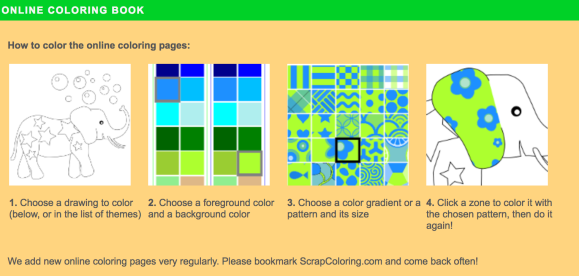
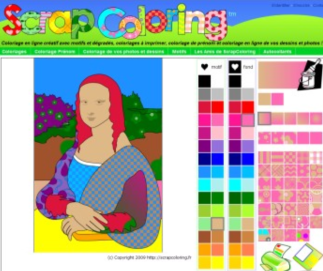
ScrapColoring is a website, not an app. It is one additional option for younger students to explore different mediums, patterns, and digital art tools but is simple to use. It has additional links to origami tutorials and more.

Screen Shot 2018-08-20 at 2.29.22 PM


Screen Shot 2018-08-20 at 2.28.37 PM

Bomomo

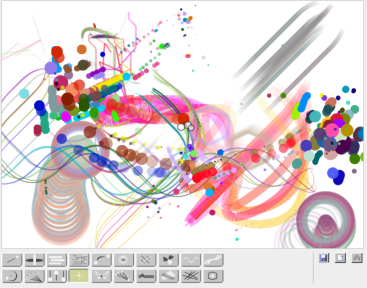
Bomomo is very simplistic in appearance and ease of use. It uses elements of symmetry and shapes to allow students to create somewhat of a kaleidoscope effect of an image. While it is somewhat limited in the style of art students can create, it is easy for even the youngest students to navigate as they learn texture.

Screen Shot 2018-08-20 at 2.22.59 PM


Screen Shot 2018-08-20 at 2.22.35 PM

MoMA Art Lab

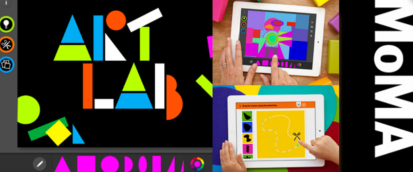
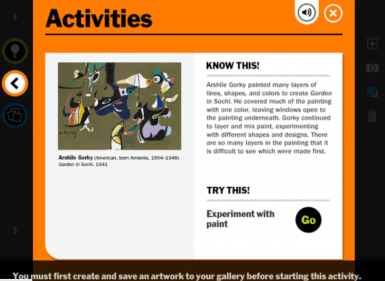
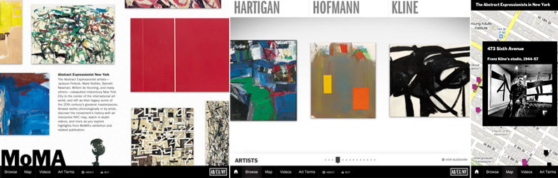
MoMA Art Lab is a great app for JK through 5th-grade students to experiment with design. For older students, there are activities that reinforce various styles throughout art history. It is free and child-friendly. One great feature it possesses is the bank of activities that can help guide and teach students while they create.

Screen Shot 2018-08-20 at 2.14.21 PM


Screen Shot 2018-08-20 at 2.14.53 PM


Screen Shot 2018-08-20 at 2.15.24 PM

Pic Collage

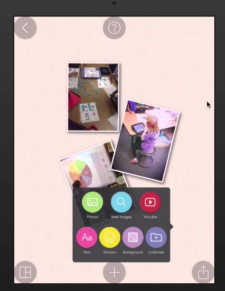
Pic Collage is an easy way for our younger students to make digital cards, collages, etc…  It is a free app that provides plenty of content on its own, though be aware that the in-app purchases are present and kids can want to add stickers that are not free.

Screen Shot 2018-08-20 at 2.12.30 PM

Make-10

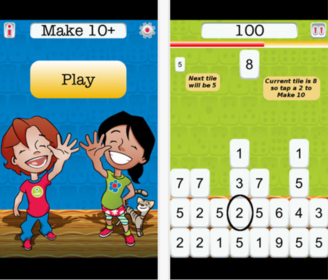
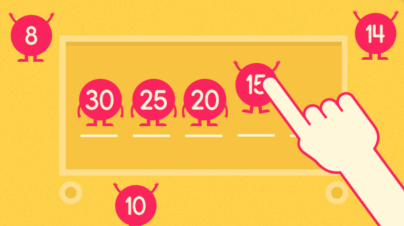
MAKE-10 is an app that also promotes early number sense. Because JK and SK students can begin practicing concepts of number bonding first using dots, then digits, it helps reinforce number sense rather than simple rote memorization.

  • Advantages 

levels can be adjusted to begin with “make 5” and then can increase in increments

  • Drawback

    the “Tetris” style game movement can at first overwhelm JK students who are just beginning with number recognition

Screen Shot 2018-08-20 at 2.04.14 PM


Screen Shot 2018-08-20 at 2.04.27 PM

Wet Dry Try

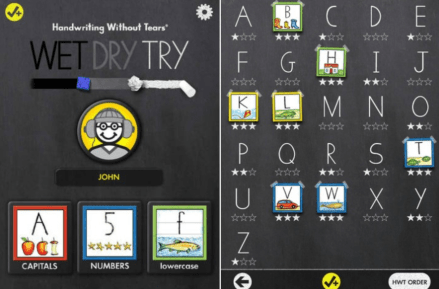
Wet-Dry-Try is the app that specifically goes with “Handwriting Without Tears”, the program used to review proper letter formation in JK-2nd). It is pretty straightforward so although it is not as visually engaging as Letter School, its simplicity makes it advantageous for students who benefit from less distraction.

Screen Shot 2018-08-20 at 1.53.24 PM

Screen Shot 2018-08-20 at 1.53.08 PM

Google Sites: 5th Grade

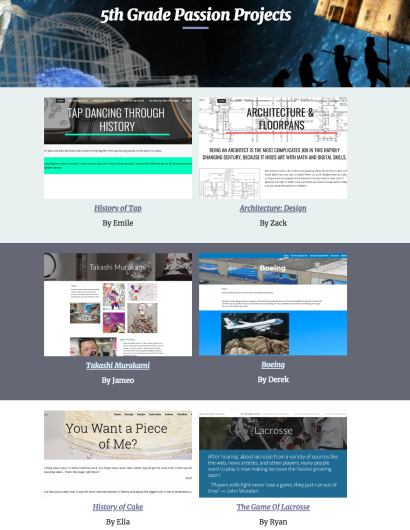
For 5th Graders, Google Sites has proven to be a great way to house their final “Passion Projects”, as well as being a helpful way for students to stay organized as they collect resources and check off project rubrics throughout the year. The opportunity to share their final work with extended family and those field experts who helped in their research makes it a great platform. Rising middle schoolers are able to approach the next phase of the school with expertise in using this tool when the time comes to showcase their learning within project-based models.

CHECK OUT LAST YEARS STUDENT PROJECTS HERE!

Screen Shot 2018-08-20 at 1.23.57 PM

Here is another example of “sites” in action with a 5th-grade reading group project that incorporated interactive maps using Google Sites.

Google Sites: Middle School

Google Sites is one of many options for easy, template-based website creation. Various grade levels and subject areas have used it in a variety of ways. It embeds content directly from student Google Drives with ease, though is also designed to add content from anywhere in seconds. It is a great option for sharing student work with extended families who live across the world.

CLICK HERE to check out how Middle Schoolers have used it to house their projects.

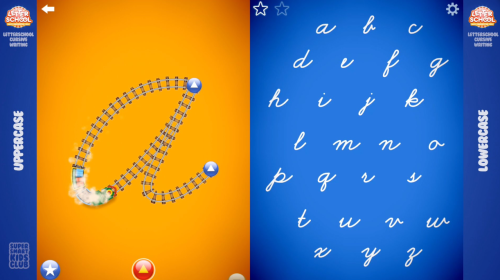
Letter School Cursive

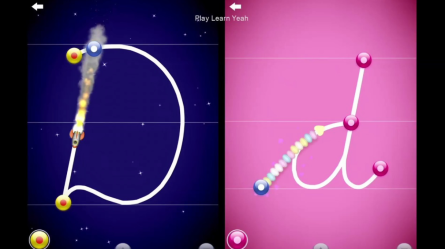
As 2nd graders begin to practice cursive, this app (which should be familiar from earlier grades in learning Handwriting Without Tears motions) is a great complement to those teacher guided lessons.
Screen Shot 2018-08-20 at 11.34.21 AM
Screen Shot 2018-08-20 at 11.34.41 AM

Fishy Paint

Fishy Paint is an app on JK iPads that allow students the chance to not just paint fish and put them into their own digital aquarium, but they can also record their voice overtop and change the movement of the swimming fish with the touch of their finger. They can even add a photo of their head onto a diver’s body so it looks like they are swimming in the aquarium!

BrainPop Jr.

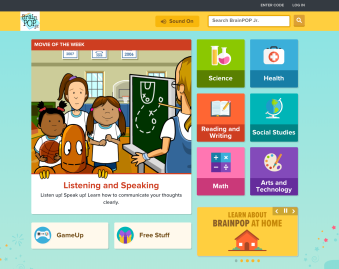
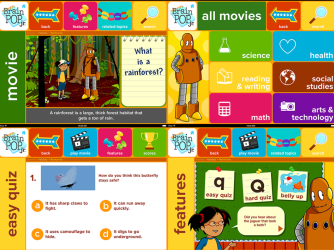
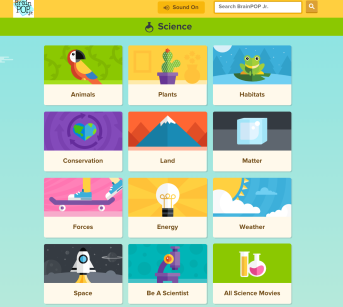
This is both a site as well as an app that is on our students’ iPads. BrainPop Jr. could really live in any category on this tech resources site as it contains videos and interactive lessons across the academic spectrum. However, the resources surrounding social studies are particularly useful as it provides one more source of student-friendly information about a range of research topics. We have a school account so you can check your email for login username and password info.
Screen Shot 2018-08-20 at 11.12.13 AM
Screen Shot 2018-08-20 at 11.13.16 AM
Screen Shot 2018-08-20 at 11.12.30 AM

Drawing Pad

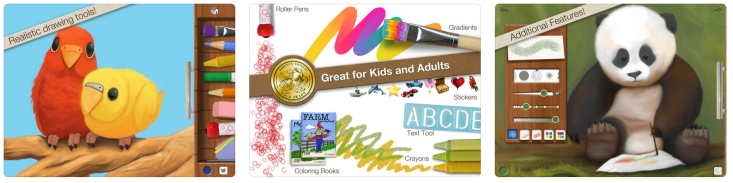
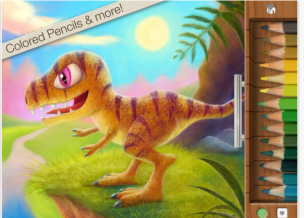
Drawing Pad is a “go to” app for digital drawing and creating. It is an especially strong tool for “app smashing” between other apps such as book creator.  It is a great beginner tool for JK and SK but can also work for students who want to do more as you can draw/mark right on photos, tell stories, label etc…

Screen Shot 2018-08-20 at 11.03.20 AM

Screen Shot 2018-08-20 at 11.02.12 AMScreen Shot 2018-08-20 at 11.02.23 AM

Letter School

Because you can adjust the settings in Letter School to “Handwriting Without Tears” (or other programs) it is a slightly better alternative to HWT’s own app, Wet Dry Try. It is recommended that beyond the first weeks of JK, students have to use a stylus to better reinforce pencil grip at the same time of letter formation.
Screen Shot 2018-08-20 at 10.57.03 AM
Screen Shot 2018-08-20 at 10.56.41 AM.png

Screen Shot 2018-08-20 at 10.56.41 AM.png

Starfall

This is both an app and a site that both contain a number of activities for both emergent readers who are practicing letter sounds, as well as for those of our youngest students who are already beginning their journey into reading. It is pretty basic, but has been popular for a while.
                                Screen Shot 2018-08-19 at 3.25.26 PM

Mystery Word Town

For readers who are just beyond CVC, this app involves the added lure of unlocking doors to work through mysteries, all while attacking words phonetically.
Screen Shot 2018-08-19 at 3.17.10 PM
Screen Shot 2018-08-19 at 3.18.35 PM

Short Vowels

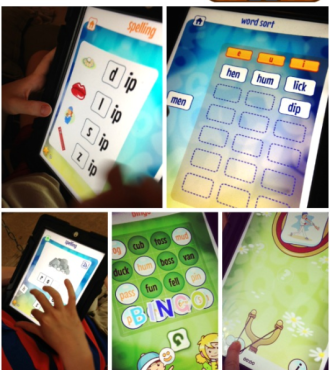
This app is a nice opportunity for JK and SK emergent readers to get a sense of word families, CVC combinations, rhyming patterns and more… There are other apps like it, but this has a nice interface that has been successful with many of our early readers.
Screen Shot 2018-08-19 at 3.14.33 PM

MeeGenius

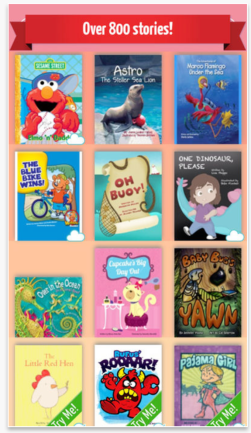
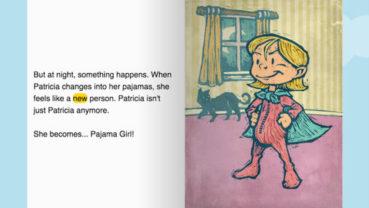
While this app only contains 800 titles as opposed to EPIC’s library of 30,000, until last year it had one very important feature that separated itself. With the read-alouds, the words that are read are highlighted along the way. This can have a “follow the bouncing ball” effect for the young reader who can now track in a way that helps them with pronunciation, diction, and fluency. However, EPIC just introduced this feature and has worked out any bugs so it now works seamlessly. That being said, the free version of MeeGenious is worth having on hand as it contains some different titles.
Screen Shot 2018-08-19 at 2.55.04 PM  Screen Shot 2018-08-19 at 2.55.18 PM

Word Wizard

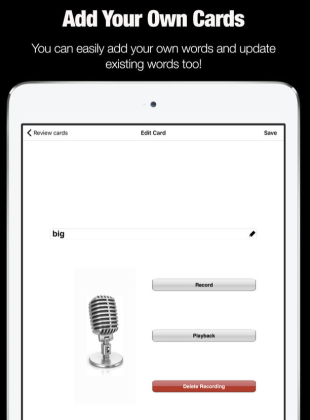
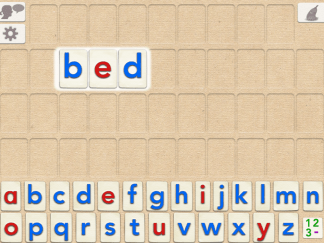
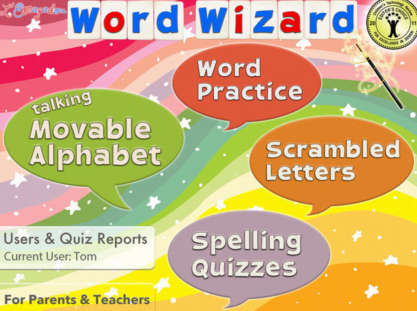
While there are a few apps out there that operate as movable digital letter tiles, this app has one feature that no other similar app has. You can import your own words so you can create different words to practice for different children. The voice is a bit animitronic and botches the pronunciation of some words, but the ability to plug in your own words (such as to match a current integrated unit) makes it a solid choice for word building.
Screen Shot 2018-08-19 at 2.42.41 PM
Screen Shot 2018-08-19 at 2.41.54 PM

GuitarTuna

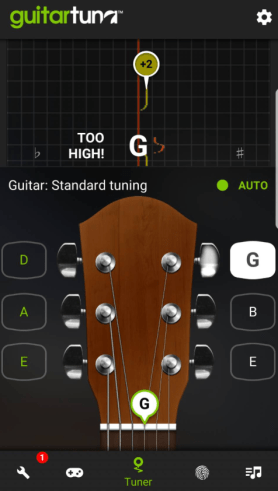
There are hundreds of apps that act as tuners for different stringed instruments. GuitarTuna is likely the top tuner out there and is accurate enough to ditch your other portable tuners forever.
Screen Shot 2018-08-19 at 2.37.43 PM

Logic Pro X

This “competitor” to GarageBand (only in a sense as it is also under the Apple umbrella) is certainly a superior and more complete program for music composition and engineering, though it is not free. In addition, because it is more robust, it is also more complex as it has more offerings in the intricacy of sound production.
Screen Shot 2018-08-19 at 12.38.59 PM

Amplitube

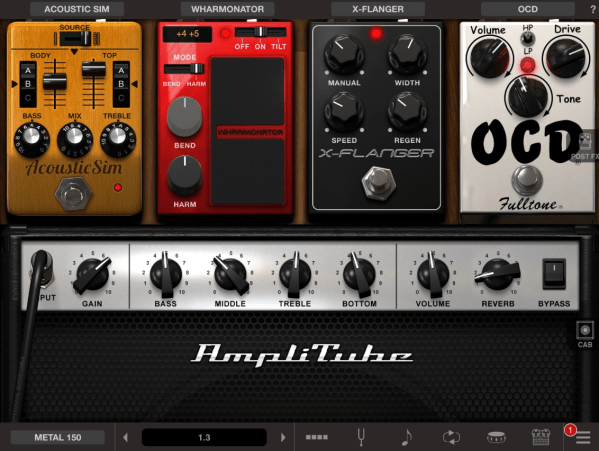
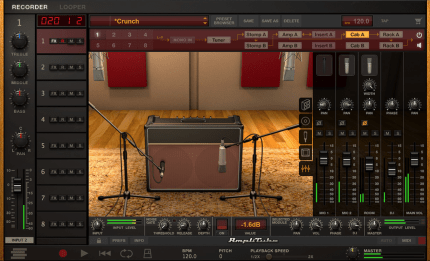
While this app wouldn’t replace an actual amp for playing a show, it is a quality substitute for amplifying when practicing on the go. It does cost money (and is on the pricier side for apps), but it could be worth having on an iPad in the music department, and worth mentioning to serious student musicians who may make good use out of it at home.
Screen Shot 2018-08-19 at 12.31.00 PM

Piano Maestro

This site is a digital accompaniment to traditional piano lessons. Because it is dedicated entirely to piano instruction, it has a few advantages to other multi-instrument programs.
Screen Shot 2018-08-19 at 12.23.07 PM

Hokusai

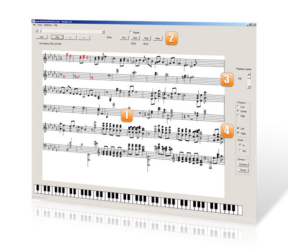
Hokusai is a quality recording app for student artists who play actual instruments rather than create using virtual ones. You can blend different parts of a musical piece together and because it quickly digitizes your music, you can dig in like a sound engineer would.
Screen Shot 2018-08-19 at 12.19.14 PM

GarageBand

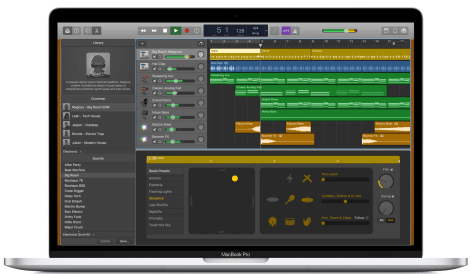
GarageBand is still one of the leaders in music education, primarily because students need not play an instrument to begin making music. The ease with which you can transition between other multimedia platforms (particularly iMovie) makes it a “go-to” for project-based learning, even outside of music education. While you may be familiar with earlier versions, it is worth checking in each school year to explore the ever-growing features and enhancements, most notably with how different young student musicians from around the globe can collaborate in real time.
Screen Shot 2018-08-19 at 12.12.51 PM

Tuniversity

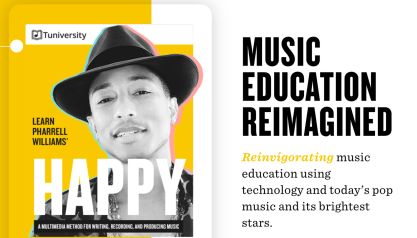
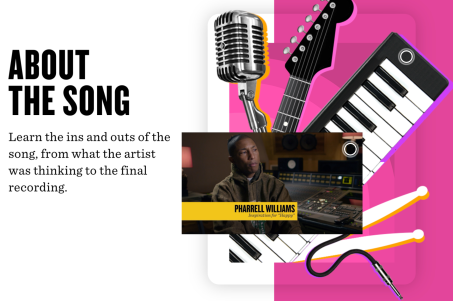
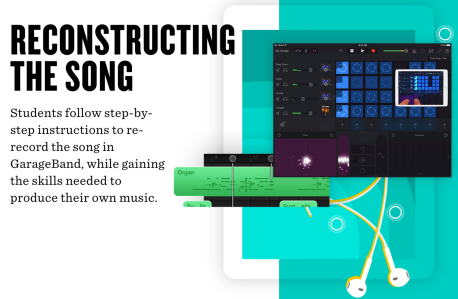
Apple teamed up with Pharrell Williams to create Tuniversity. It is a robust program that allows students to deconstruct popular songs, change them up, and write their own. It is powered by Garageband, but also contains an interactive digital syllabus that takes students through their coursework.
Screen Shot 2018-08-19 at 12.06.22 PM
Screen Shot 2018-08-19 at 12.06.37 PM
Screen Shot 2018-08-19 at 12.06.47 PM

Yousician

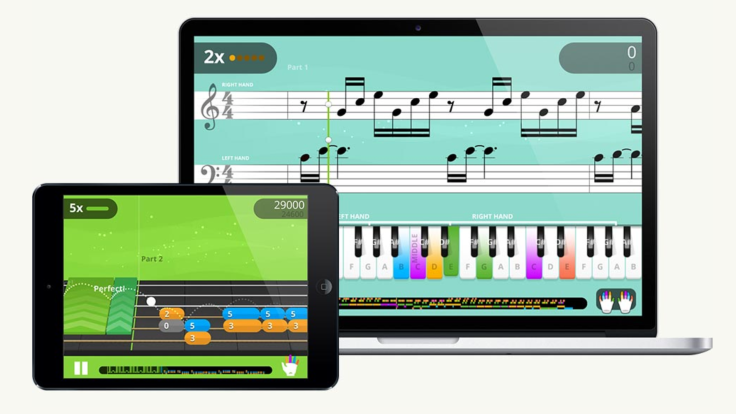
 Yousician is a great way to engage students in practicing their instrument, outside of lesson time. There are dozens of instruments and thousands of songs to dive into. It tracks progress and personalizes a syllabus that is constantly updating. You may also want to check out the added benefits of becoming a Yousician Distinguished Educator.
Screen Shot 2018-08-19 at 11.51.15 AM

Busuu

Busuu is a popular resource for learning a new language, and it has one critical feature that sets it apart. You can practice with actual native speakers across the globe. However, because it almost operates in the same vein as social media, it may not be ideal for use with our students on their own. Still, the free version has a large number of flashcards available to practice with.

FluentU

FluentU is super pricey but it is worthy of mentioning when it comes to digital resources for teaching languages. It is a massive library of videos that students can isolate words from conversations to gain an understanding of the language in an engaging way. While the cost for a full program may be prohibitive, it could be worth looking into one single subscription that could be shared as a resource.
Screen Shot 2018-08-19 at 11.42.43 AM

Gus On The Go

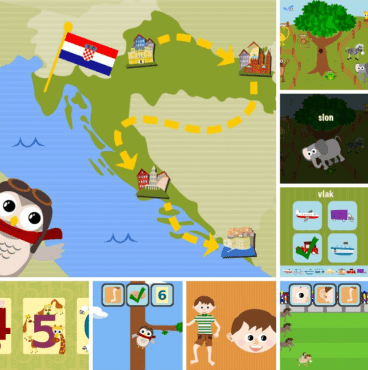
Gus On The Go is a series of apps that target younger students who are developing vocabulary. Stories is designed by the makers of this app and looks like an engaging way of having students observe how the vocabulary is used in conversation.
Screen Shot 2018-08-19 at 11.20.57 AM

Scribble Maps

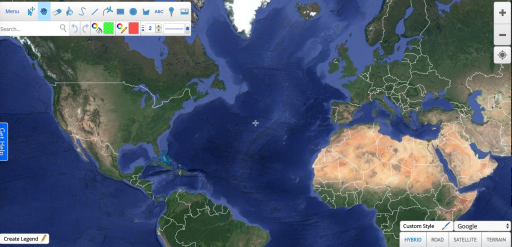
Scribble maps is a site that lets you draw, label, zoom, rearrange, etc… maps of every nook and cranny of the earth. You can change the view to be terrain only, include roads, and more, just like you would in any map app.
Screen Shot 2018-08-19 at 11.12.55 AM

Tiny Cards by Duolingo

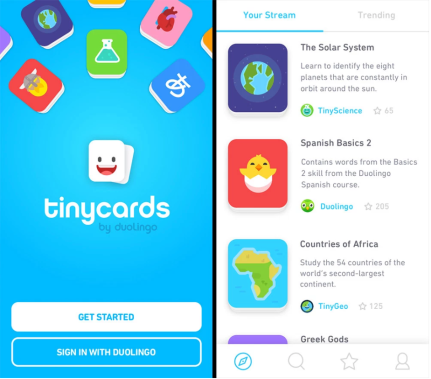
Tinycards is a similar flashcard app that is supported by the language education company, Duolingo. It contains study resources for subjects outside of world languages, but the largest volume of created materials and flashcards is for language-based learning. You can check out the video below to get some ideas of how it can be used.
Screen Shot 2018-08-19 at 11.06.20 AM

Memrise

Memrise is a digital flashcard app that allows you to take photos and videos to incorporate into vocabulary building. It uses mnemonic devices to help engage student learning and memorization.
Screen Shot 2018-08-19 at 10.57.11 AM
Online Version
Screen Shot 2018-08-19 at 10.57.55 AM
APP Version

Blog at WordPress.com.

Up ↑