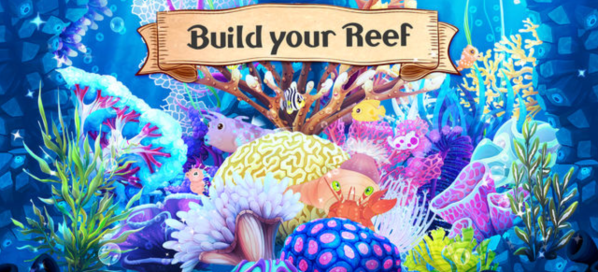
Build Your Reef

This is a SUPER cool app that allows students the chance to build and care for their own virtual ocean world. It is on all the JK iPads and is both simple to use for our early learners, as well as robust enough to allow our learners to grow with it to build even more!

Tinybop

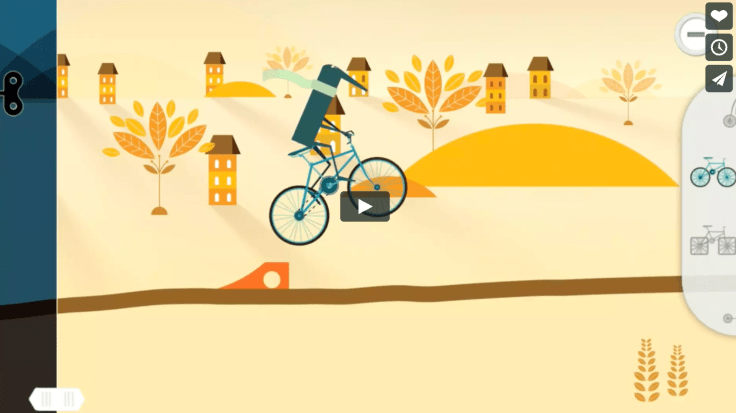
Tinybop is another app that allows students of a variety of ages to construct a course filled with ramps, gears, and pulleys to traverse through a scene.Screen Shot 2018-08-10 at 9.52.59 PM

Google Sites: 4th Grade

This is another platform that could have probably been placed anywhere on the tech menu.
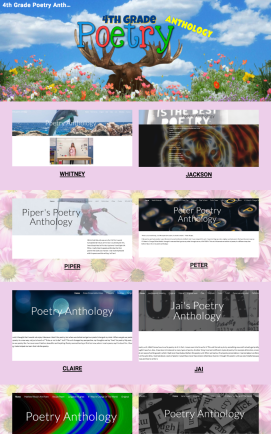
CLICK HERE to check out 4th Grade’s Poetry Anthology created on Google Sites.
Screen Shot 2018-08-20 at 1.44.09 PM
Here is an example of a site created by a 4th grade student.
Here is another example of “sites” in action with a 5th-grade reading group project that could easily be implemented in 4th grade literature units.

Water Cycle App

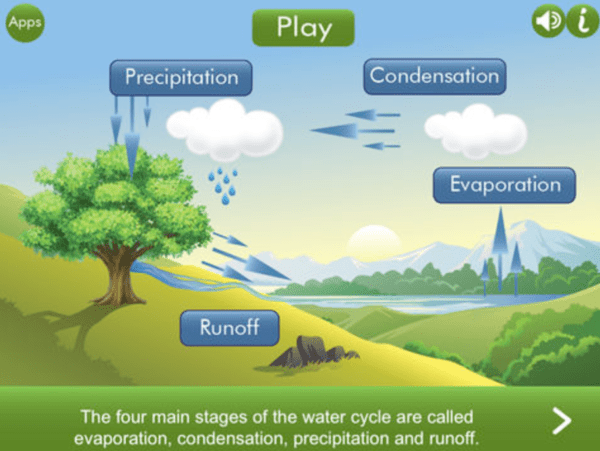
There are tons of apps that support teaching lower school science. This app (also a site) centers on the watershed and contains a number of interactive models to show students.

Virtual Field Trips Through VR

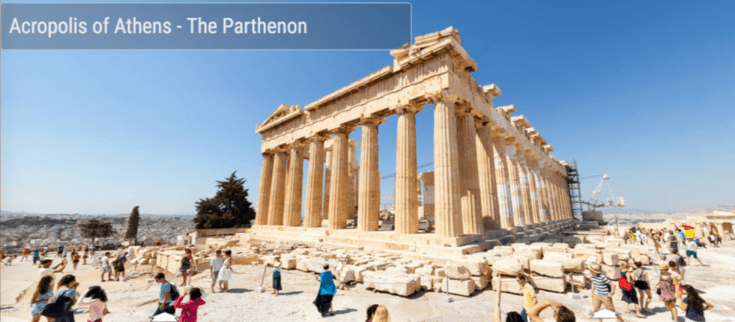
360Cities is a free catalog of 360 Photos and Videos from around the world. THOUSANDS of pictures that students can immerse themselves in with or without VR headsets. Check out a few of the many ancient Greek sites the 5th graders could explore. Best of all, this resource can be paired with CoSpaces as the images are free for the students to use.
Screen Shot 2018-08-07 at 10.45.14 PM

CoSpaces

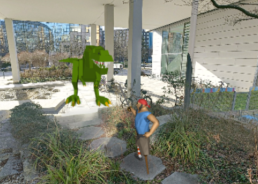
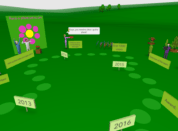
CoSpaces could actually live anywhere on this menu as it is more a platform whereScreen Shot 2018-08-07 at 10.32.32 PM can create a 3-D world embedding any content they wish. One particularly powerful possibility is having students create a virtual museum, either collectively or individually.
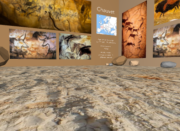
Screen Shot 2018-08-07 at 10.32.23 PM
Students wishing to code may do so as it can use drag and drop for the non-coder, block-based coding for the novice coder, and java for the advanced coder. As a cherry on top, students can explore their world, museum, etc… using a virtual reality headset. 
 
Screen Shot 2018-08-07 at 10.32.42 PM
Screen Shot 2018-08-07 at 10.32.55 PMScreen Shot 2018-08-07 at 10.33.05 PM

Wonderopolis

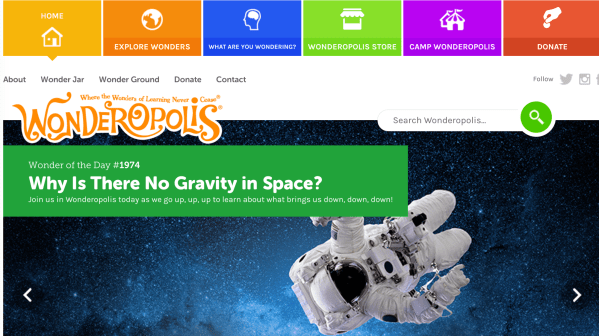
Wonderopolis is a great site for students to explore independently, or as a class “warm-up” as it rotates a new thought-provoking question a day. There is a ton of information, videos, etc… on a huge range of topics.

Biblionasium

Unlike Epic, Biblionasium does not have a catalog of the actual e-readers, however it is a fantastic digital bookshelf that manages student reading logs for you. The best part is, the students can recommend books to each other, you could recommend them to the whole class, or add titles to a specific student’s bookshelf.

Book Creator: iPad

Book Creator has been a familiar resource for a few years now, but constant updates to the program have now really begun to unleash possibilities. The online platform allows our students to really tap into the ease with which they can create e-books and organize them on a digital bookshelf. It could even be a viable alternative to websites for housing and publishing their research projects.

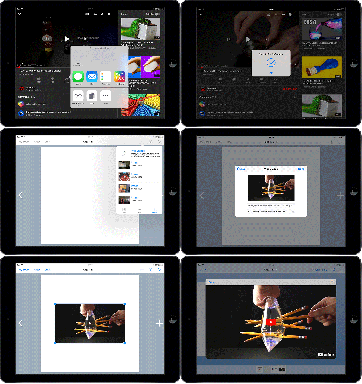
Book Creator has also added a major update this Fall; the ability to embed content from
embedding-a-youtube-video-in-book-creator-ipad
Embed from other sites and apps with a click of a button!

other sites and applications!

Explore some samples of ways our students have used Book Creator below!

EPIC

This resource, Epic, is a digital library of over 30,000 books, free to educators where students can keep a bookshelf of fiction and nonfiction. Excellent extra option for research resources, as well as for igniting an interest in pleasure reading. I am happy to set this up for you and your class if you are interested in using it.

MIDDLE SCHOOL

Welcome to this comprehensive collection of integration resources for all subject areas within Middle School! Each resource includes a brief summary, and in most cases, a video overview and links to examples of how they have been used by students and teachers. As is the nature of integration, many of the technology resources can be found across multiple categories. Likewise, in the same spirit of subject integration, feel free to explore beyond your subject area or grade level to gain ideas for other ways to blend learning across academic and social disciplines.

Blog at WordPress.com.

Up ↑