Catchy Words

Screen Shot 2020-03-16 at 7.38.29 PM

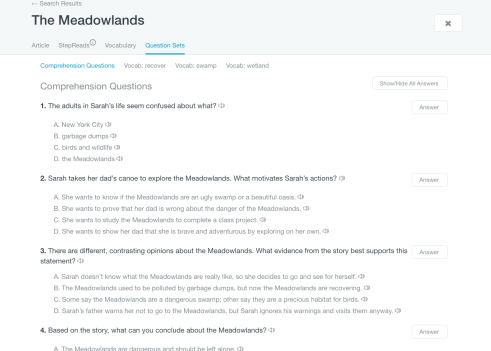
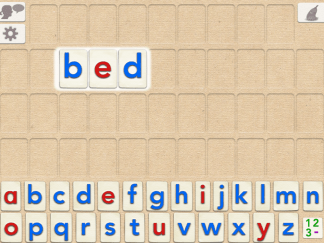
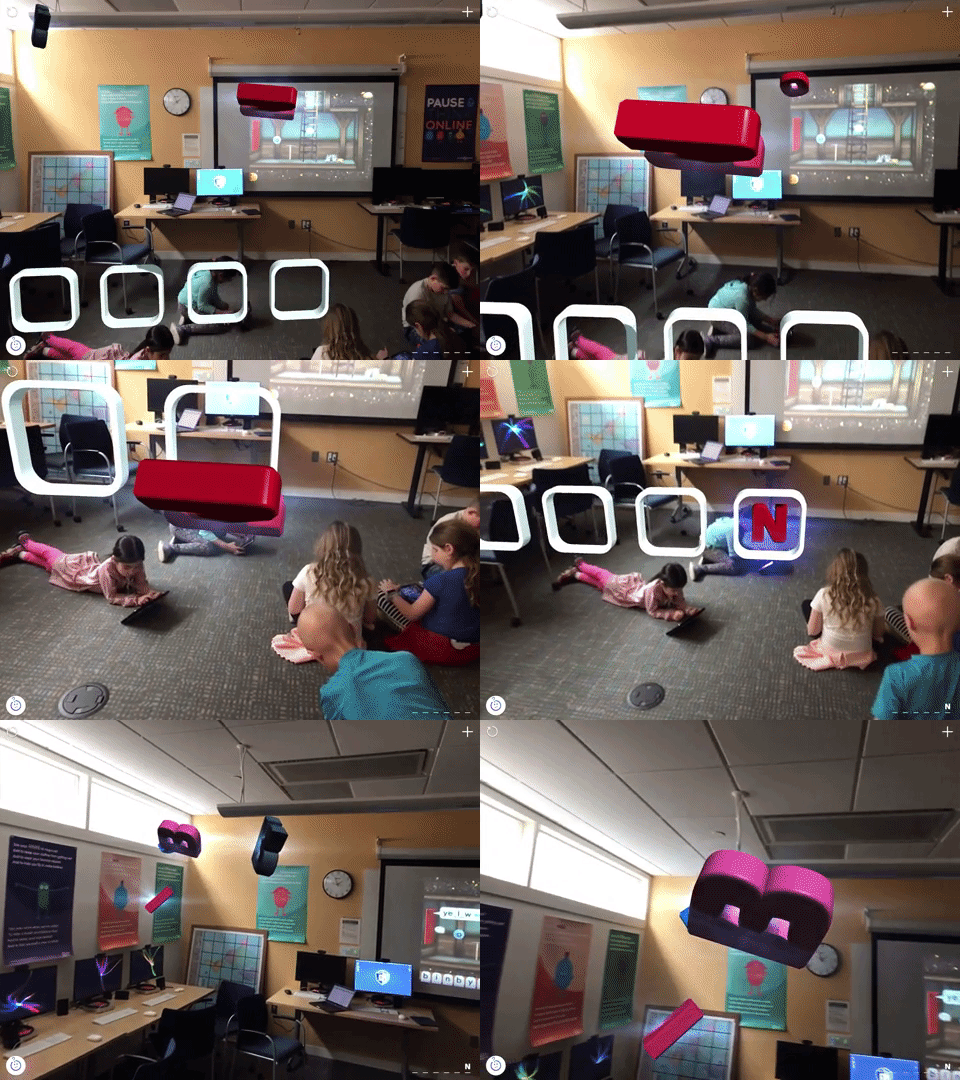
Catchy Words is a great app that uses augmented reality to engage students in practicing spelling in a very interactive and multi-sensory way. Using an iPad, students can find letters that appear to be floating around the room and place them in the correct order to spell words. They can either access different words from a variety of lists already created and leveled, or they can add their own words that correspond to their own weekly spelling list, word study, or thematic unit.
giphy

ReadWorks

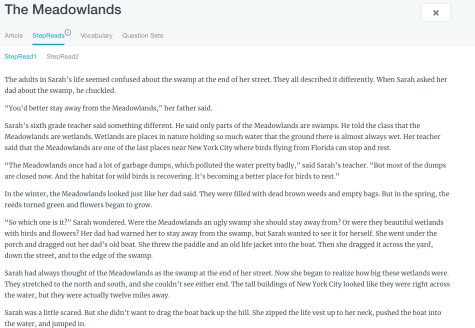
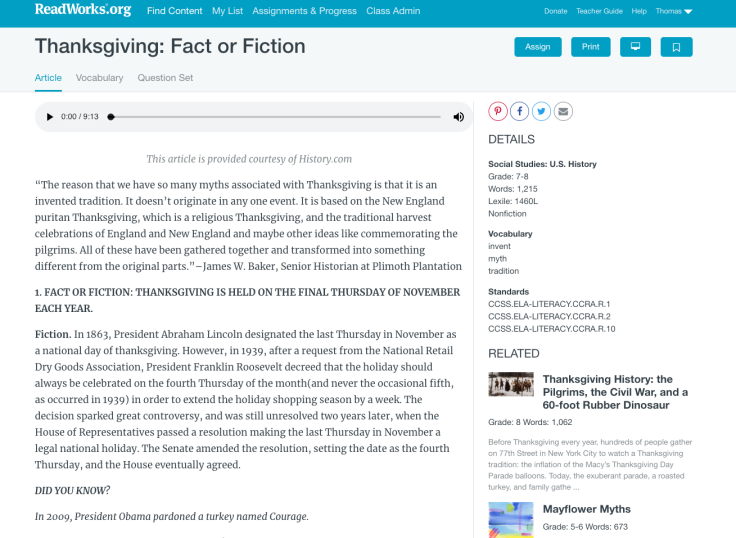
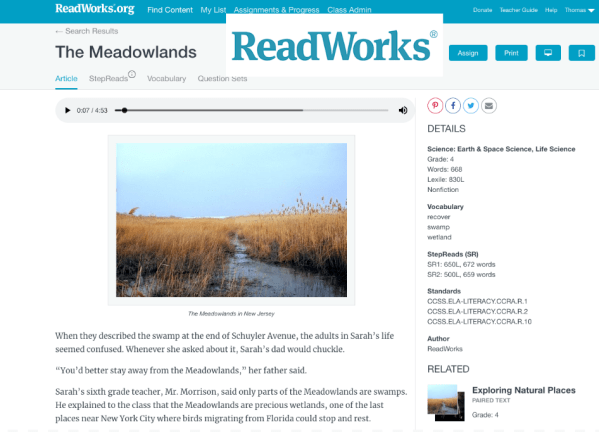
ReadWorks is another option for teachers looking to boost reading comprehension. This is a completely free site and teachers can use the large collection of fiction and nonfiction to curate lessons that accommodate all different reading levels. It has comprehension pieces built right in, as well as vocabulary building tabs. Within the same passage, teachers can also toggle between two different choices that adjust the reading level, while delivering the same content.

Screen Shot 2018-10-23 at 2.49.16 PM.pngScreen Shot 2018-10-23 at 2.49.43 PM.pngScreen Shot 2018-10-23 at 2.46.58 PM.png


Educreations

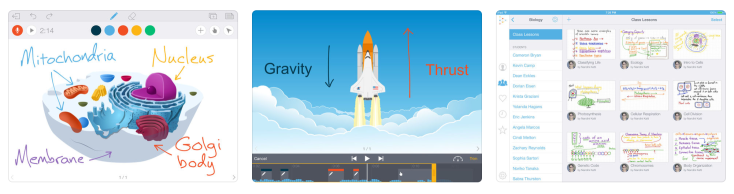
Educreations is an app and a site. We already have the app available on iPads so there is no need to create an account. However, if you end up wanting to use this resource often, we can create an account where you can keep track of your projects. Educreations is similar to Explain Everything and other platforms that let you create “how-to”s, presentations, etc…, though its simplicity and clean interface make it a great option for younger grades as well.

Screen Shot 2018-09-19 at 12.23.20 PM

Rewordify

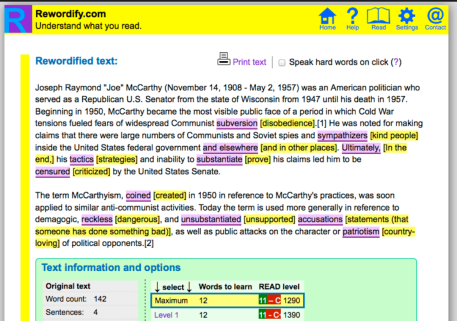
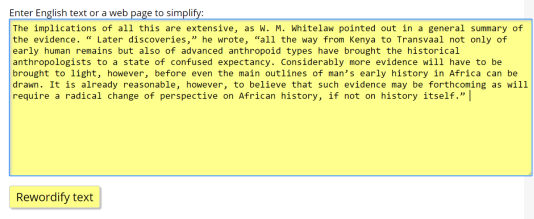
Rewordify is a great option for differentiating reading content so that different students get the same information while being delivered at their level. It is completely free and there are different avenues for use depending on what you are looking for. If you create a free account, you can take advantage of the more advanced features, but even just visiting the site allows you to plug in text and have it convert it to an easier reading level. For this reason, it can be as useful to younger students as it can older students.

Screen Shot 2018-09-19 at 12.11.39 PM


Screen Shot 2018-09-19 at 12.12.08 PM

Osmo Words

Words is yet another learning tool that utilizes the Osmo devices. There are sets that can be checked out from the library (enough for a half group). They are a great way to Screen Shot 2018-08-23 at 6.22.19 PMreinforce spelling and phonetic patterns to help complement any existing word building program.
Apple CLIPS

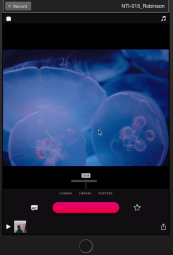
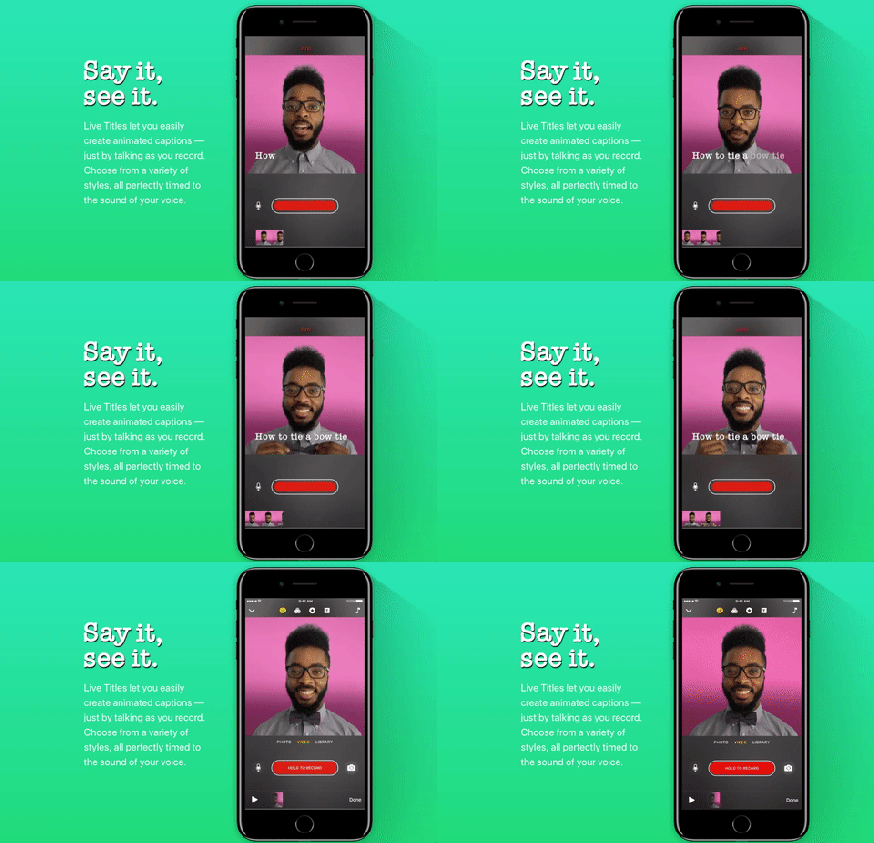
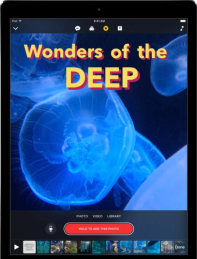
CLIPS is a relatively new app (also a site) that was released late last year. It is a FANTASTIC alternative to iMovie, especially for our lower school students as it allows for an engaging, visual project but can be condensed into a one-off lesson. It is simple in its layout and can be used in a variety of ways. From narrating and animating a story or poem, to labeling parts of the ecosystem, to breaking down the cause and effect of a moment in history, it is all very easy and engaging for our students. It can also be a powerful tool for our youngest learners because of its ability to show the words you speak in “real time”. The possibilities for students to be able to narrate and illustrate their own books with words that fly out on the screen in any style they choose is really exciting. Clips is available on all school iPads (including the Library if students would like to check one out for a project).

Screen Shot 2018-08-21 at 9.07.57 AM                                                                     Screen Shot 2018-08-21 at 9.22.10 AM58d14e322c00002100fef8ea

Check out a student-created example below!


Letter School Cursive

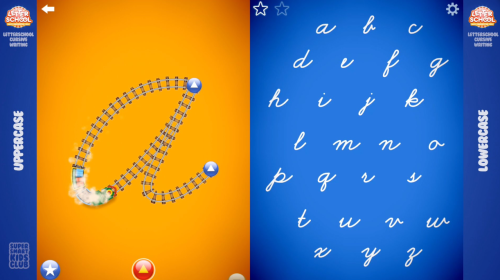
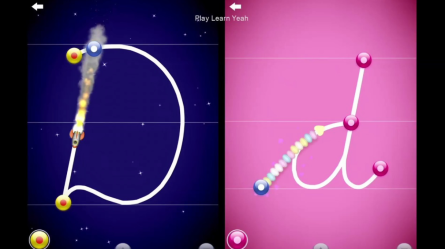
As 2nd graders begin to practice cursive, this app (which should be familiar from earlier grades in learning Handwriting Without Tears motions) is a great complement to those teacher guided lessons.
Screen Shot 2018-08-20 at 11.34.21 AM
Screen Shot 2018-08-20 at 11.34.41 AM

MeeGenius

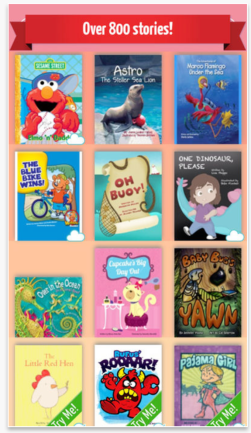
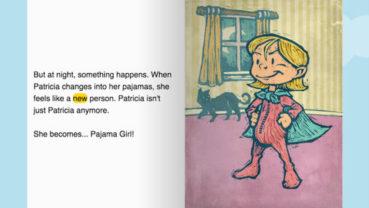
While this app only contains 800 titles as opposed to EPIC’s library of 30,000, until last year it had one very important feature that separated itself. With the read-alouds, the words that are read are highlighted along the way. This can have a “follow the bouncing ball” effect for the young reader who can now track in a way that helps them with pronunciation, diction, and fluency. However, EPIC just introduced this feature and has worked out any bugs so it now works seamlessly. That being said, the free version of MeeGenious is worth having on hand as it contains some different titles.
Screen Shot 2018-08-19 at 2.55.04 PM  Screen Shot 2018-08-19 at 2.55.18 PM

Word Wizard

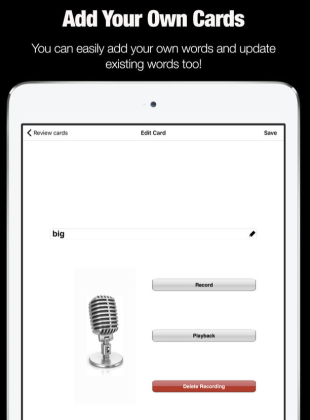
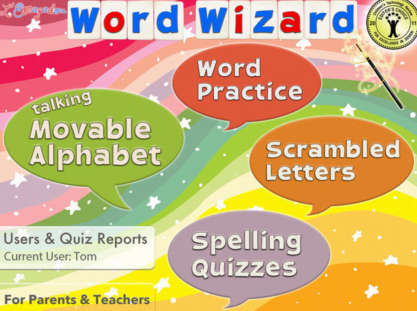
While there are a few apps out there that operate as movable digital letter tiles, this app has one feature that no other similar app has. You can import your own words so you can create different words to practice for different children. The voice is a bit animitronic and botches the pronunciation of some words, but the ability to plug in your own words (such as to match a current integrated unit) makes it a solid choice for word building.
Screen Shot 2018-08-19 at 2.42.41 PM
Screen Shot 2018-08-19 at 2.41.54 PM

KAHOOT

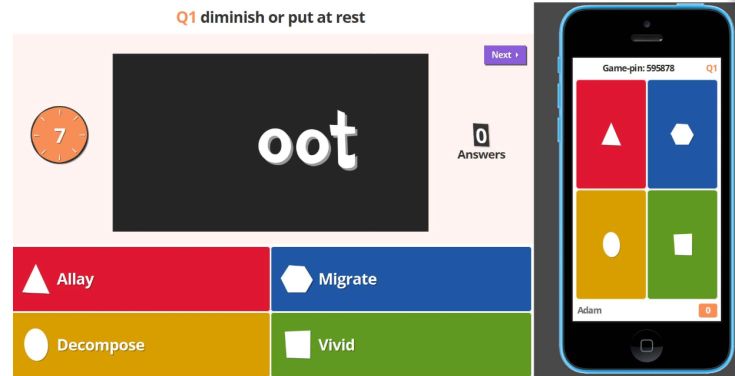
Chances are, you are already familiar with Kahoot and are actively using it with your class for fun review sessions. If you are unfamiliar, it is a quiz making platform that has an interactive student/teacher interface. There are many ways to personalize it beyond its surface features. It is also worth noting that it is available on all library iPads as an app, which can be useful in groups or as a more mobile option when reviewing for a test.
Screen Shot 2018-08-16 at 2.23.29 PM

Click HERE for a video overview

Stone Soup

Stone Soup has been around for a while but it is still one of the top online literary magazines where students can submit their writing or art. Because of the frequency of publication, there is a greater likelihood of one of our young writers or artists being honored.
Screen Shot 2018-08-16 at 1.55.56 PM

The Literacy Shed

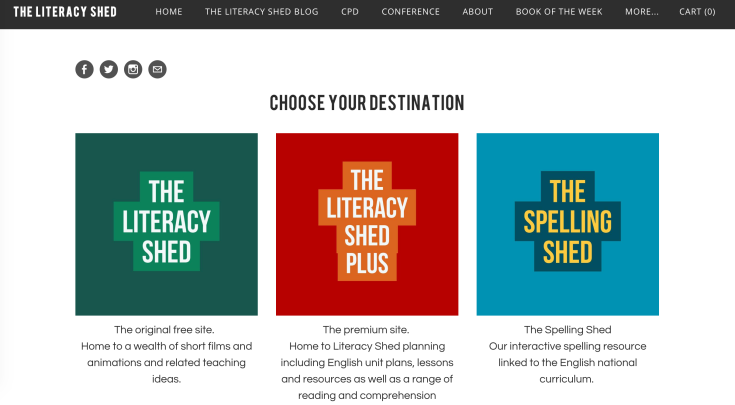
The Literacy Shed has a free component that is still a wealth of resources for teaching English, even when you don’t use the paid version. It has videos, posters, printables, etc…
It also contains a great photo library for picture prompts, animation, story starters and more. There is a new feature, The Spelling Shed, that can be a great resource for students to complement any grade level spelling program currently used at different levels.
Screen Shot 2018-08-16 at 1.29.03 PM

FLIPQUIZ

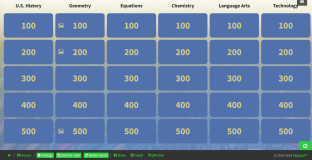
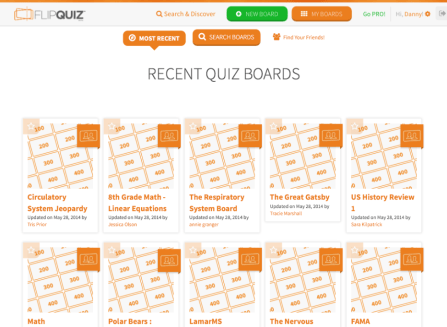
FLIPQUIZ is a resource for making Jeopardy-style games. It doesn’t link you to student responses, in the same way, some of the other platforms like Kahoot or Quizlet do, but it is a good option to have on hand, particularly for students that want to use this as a component to a presented lesson.
Click HERE try out a live demo template
Click HERE for a video overview
Screen Shot 2018-08-15 at 6.27.20 PM
Screen Shot 2018-08-15 at 6.30.44 PM

Google Tour Builder

Google Tour Builder continues to become more powerful in its ability to create interactive maps and presentations, blending a multimedia map-making platform within Google Earth. Virtual reality is at the forefront of some of the biggest additions to the latest version. NOTE: The Tour Builder platform will be discontinued and merged into Google Arts and Culture in June 2021

Wonderopolis

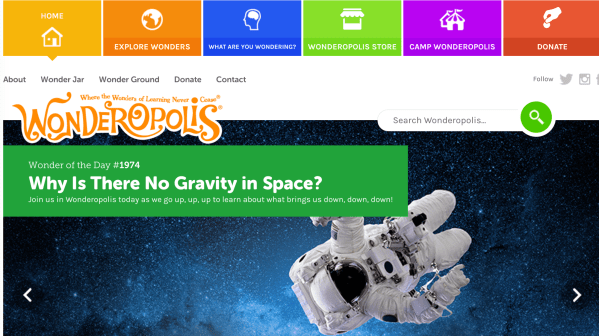
Wonderopolis is a great site for students to explore independently, or as a class “warm-up” as it rotates a new thought-provoking question a day. There is a ton of information, videos, etc… on a huge range of topics.

Biblionasium

Unlike Epic, Biblionasium does not have a catalog of the actual e-readers, however it is a fantastic digital bookshelf that manages student reading logs for you. The best part is, the students can recommend books to each other, you could recommend them to the whole class, or add titles to a specific student’s bookshelf.

Book Creator: iPad

Book Creator has been a familiar resource for a few years now, but constant updates to the program have now really begun to unleash possibilities. The online platform allows our students to really tap into the ease with which they can create e-books and organize them on a digital bookshelf. It could even be a viable alternative to websites for housing and publishing their research projects.

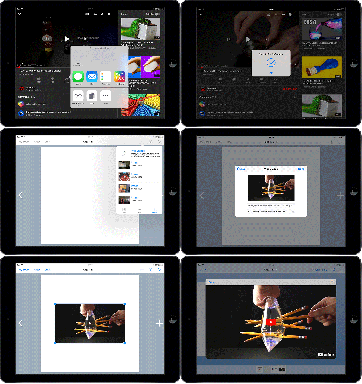
Book Creator has also added a major update this Fall; the ability to embed content from

embedding-a-youtube-video-in-book-creator-ipad
Embed from other sites and apps with a click of a button!

other sites and applications!

Explore some samples of ways our students have used Book Creator below!

EPIC

This resource, Epic, is a digital library of over 30,000 books, free to educators where students can keep a bookshelf of fiction and nonfiction. Excellent extra option for research resources, as well as for igniting an interest in pleasure reading. I am happy to set this up for you and your class if you are interested in using it.

Blog at WordPress.com.

Up ↑