Busuu

Busuu is a popular resource for learning a new language, and it has one critical feature that sets it apart. You can practice with actual native speakers across the globe. However, because it almost operates in the same vein as social media, it may not be ideal for use with our students on their own. Still, the free version has a large number of flashcards available to practice with.
FluentU

FluentU is super pricey but it is worthy of mentioning when it comes to digital resources for teaching languages. It is a massive library of videos that students can isolate words from conversations to gain an understanding of the language in an engaging way. While the cost for a full program may be prohibitive, it could be worth looking into one single subscription that could be shared as a resource.
Screen Shot 2018-08-19 at 11.42.43 AM

Scribble Maps

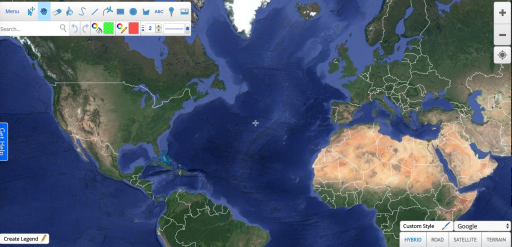
Scribble maps is a site that lets you draw, label, zoom, rearrange, etc… maps of every nook and cranny of the earth. You can change the view to be terrain only, include roads, and more, just like you would in any map app.
Screen Shot 2018-08-19 at 11.12.55 AM

Tiny Cards by Duolingo

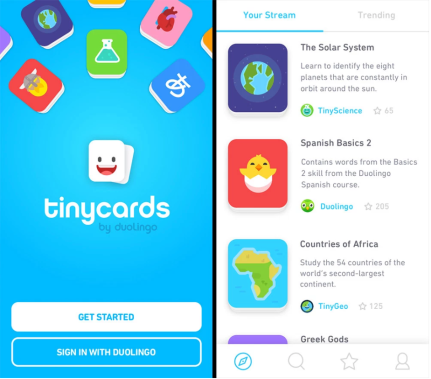
Tinycards is a similar flashcard app that is supported by the language education company, Duolingo. It contains study resources for subjects outside of world languages, but the largest volume of created materials and flashcards is for language-based learning. You can check out the video below to get some ideas of how it can be used.
Screen Shot 2018-08-19 at 11.06.20 AM

Memrise

Memrise is a digital flashcard app that allows you to take photos and videos to incorporate into vocabulary building. It uses mnemonic devices to help engage student learning and memorization.
Screen Shot 2018-08-19 at 10.57.11 AM
Online Version
Screen Shot 2018-08-19 at 10.57.55 AM
APP Version

EquatIO

This is an extension that you add to Chrome for easy overlay of math equations etc… into a Google Doc and other sharable cloud-based resources. It is a highly recommended resource to explore as it takes seconds to add and could save you, and even potentially students, considerable amounts of time.


Screen Shot 2018-08-19 at 10.37.32 AM

Geogebra

GeoGebra is another free catalog of digital resources created by educators and updated regularly. It is an excellent resource for data visualization for students, and templates that can be built on.
Screen Shot 2018-08-18 at 12.50.37 PM
Screen Shot 2018-08-18 at 12.50.55 PM

Socratic

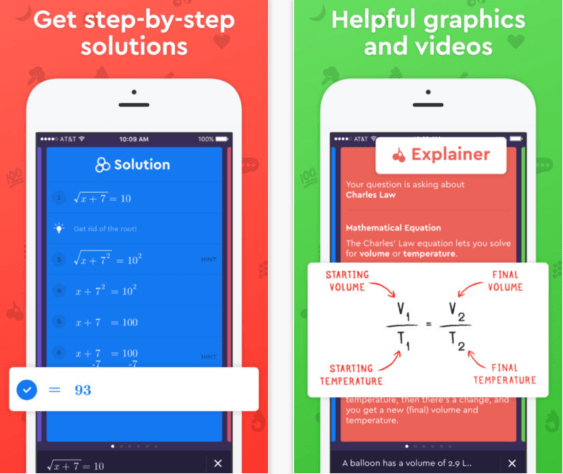
Socratic can be used outside of math, but it really is designed and aligned as a math resource (obviously particularly with this version). It is a great extra resource for students who may want some additional breakdown of a particular mathematical concept.

Screen Shot 2018-08-18 at 12.44.44 PM

Desmos

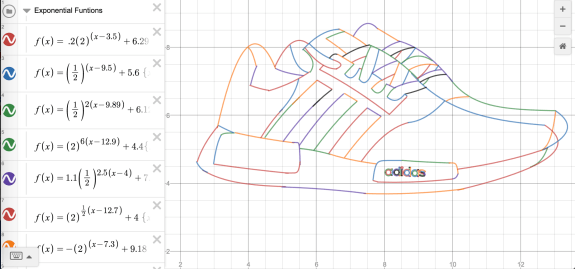
Desmos is a free online graphing calculator that you are likely already familiar with. It is a quick and easy “go-to” for graphing data and can also be used to create images and designs based on that data.
Screen Shot 2018-08-17 at 8.25.03 AM
Screen Shot 2018-08-17 at 8.26.11 AM.png

Scientists at the Smithsonian

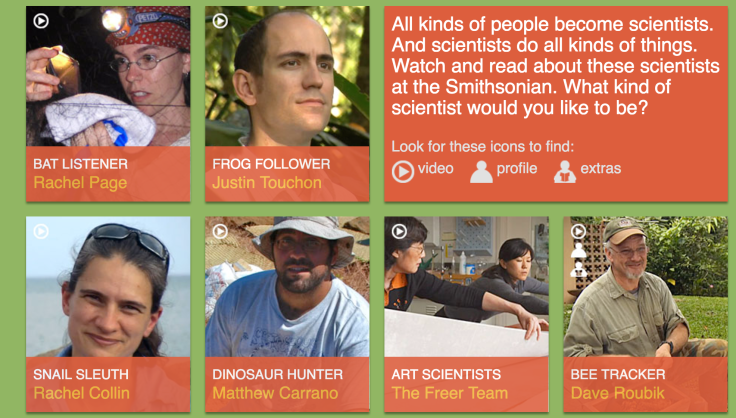
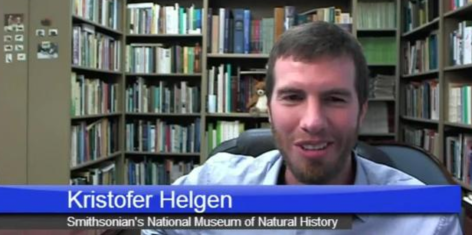
This site has bios and more dedicated to meeting the scientists who are a part of the Smithsonian Institution. Depending on a particular grade level’s unit of study (ex. SK bat unit, 2nd grade’s rainforests, Middle School’s Earth science…) they could be interesting introductory snippets. There is also contact info for potential distance learning opportunities.
Screen Shot 2018-08-16 at 2.35.12 PM
Screen Shot 2018-08-16 at 2.40.46 PM

KAHOOT

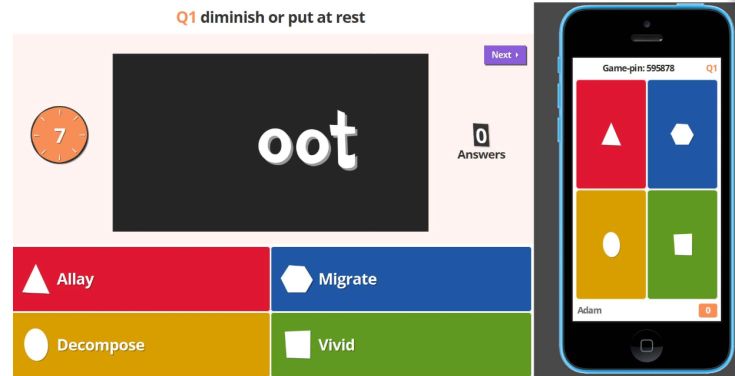
Chances are, you are already familiar with Kahoot and are actively using it with your class for fun review sessions. If you are unfamiliar, it is a quiz making platform that has an interactive student/teacher interface. There are many ways to personalize it beyond its surface features. It is also worth noting that it is available on all library iPads as an app, which can be useful in groups or as a more mobile option when reviewing for a test.
Screen Shot 2018-08-16 at 2.23.29 PM

Click HERE for a video overview

Stone Soup

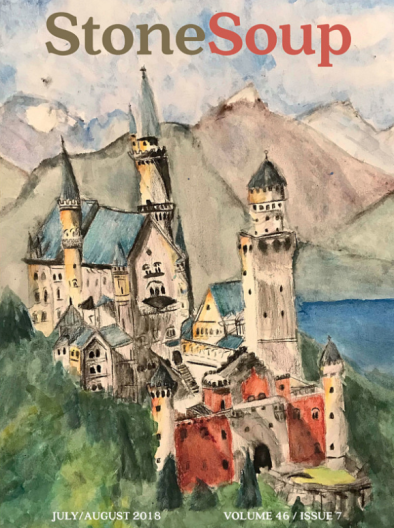
Stone Soup has been around for a while but it is still one of the top online literary magazines where students can submit their writing or art. Because of the frequency of publication, there is a greater likelihood of one of our young writers or artists being honored.
Screen Shot 2018-08-16 at 1.55.56 PM

Will McDonough Writing Contest

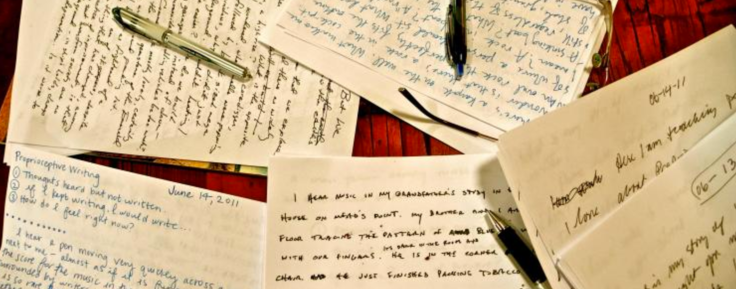
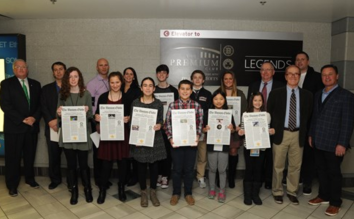
The Will McDonough Writing Contest is a great local writing contest centered around sports and sportsmanship, sponsored by the Boston Globe and TD Garden. Place finishers are honored at a Celtics game with a really nice luncheon before a game. They have different categories and in the past, even students who don’t consider themselves “sports enthusiasts” have won based on an original take defining sportsmanship. I have found it to be especially effective in capturing the interest of the otherwise reluctant writer who happens to love sports.
Screen Shot 2018-08-16 at 1.44.37 PM

Teaching Tolerance

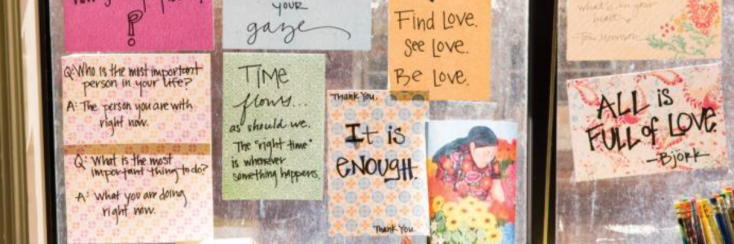
You are likely already familiar with this fantastic resource but may not have visited their website. There are tons of updated resources that pair well with teaching literature or social studies.
Screen Shot 2018-08-16 at 1.42.30 PM

goodreads

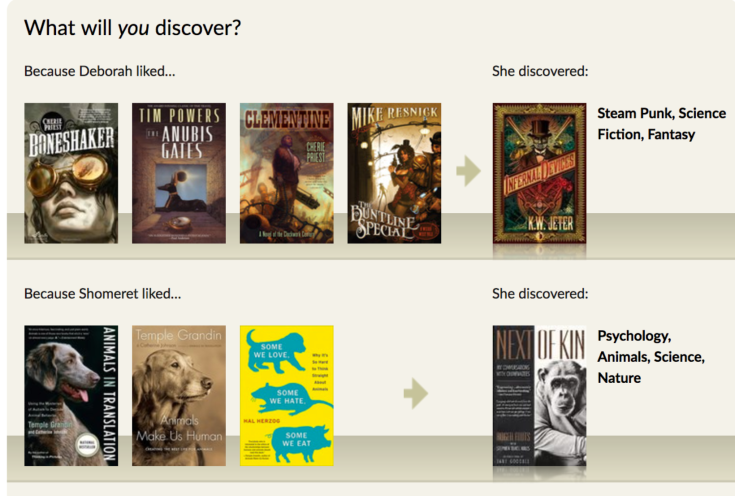
You are likely already quite familiar and even active on Good Reads, but you may not have considered it for student use. If even for an added resource to get students excited about new books, it is worth adding here.
Screen Shot 2018-08-16 at 1.36.08 PM

The Literacy Shed

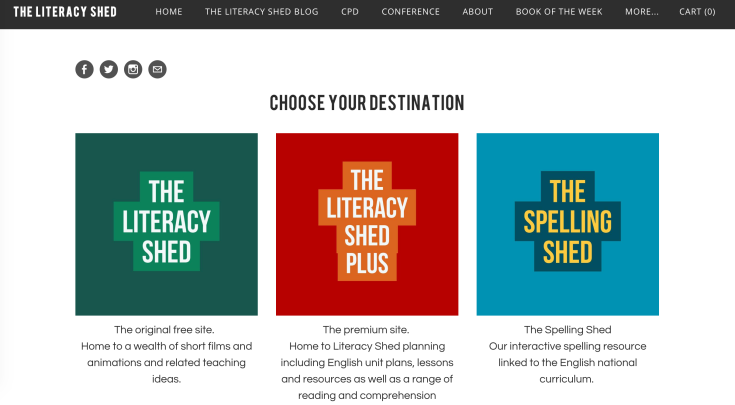
The Literacy Shed has a free component that is still a wealth of resources for teaching English, even when you don’t use the paid version. It has videos, posters, printables, etc…
It also contains a great photo library for picture prompts, animation, story starters and more. There is a new feature, The Spelling Shed, that can be a great resource for students to complement any grade level spelling program currently used at different levels.
Screen Shot 2018-08-16 at 1.29.03 PM

American Panorama

This site is filled with interactive maps that tell a history of America through social demographics and could therefore be a powerful tool for showing the disparity in advantage across races and cultures.
Screen Shot 2018-08-16 at 1.19.56 PMScreen Shot 2018-08-16 at 1.20.07 PM

POWTOON

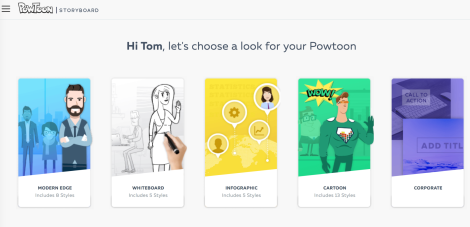
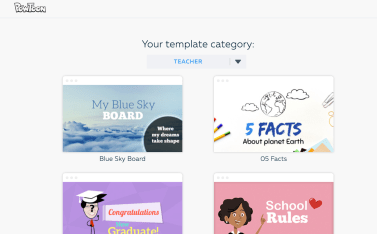
Powtoon is an interactive presentation format that is vastly more engaging that google slides or powerpoint. The free version still has enough features to allow it to be more visually appealing and engaging than traditional presentations.
Screen Shot 2018-08-16 at 1.05.44 PM
Screen Shot 2018-08-16 at 1.05.56 PM

EMAZE

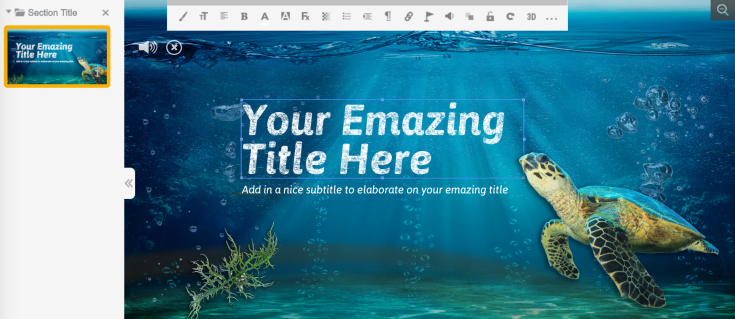
Emaze is a super visually appealing platform for creating presentations. Because it contains such a robust catalog of templates and tools, it probably is more powerful in older grades. However, it can be made simple for those who are more comfortable sticking with the basics. For those who wish to pursue extended enrichment opportunities, they can dive into a deep well of features.
Screen Shot 2018-08-16 at 1.01.35 PM

Adobe Spark

Adobe Spark has been a popular free program for creating multimedia presentations for a while now. There is a “video” version and a more text-heavy “pages” version. Watch the video below to get a sense of the options available, even just in the free version.


Quizizz

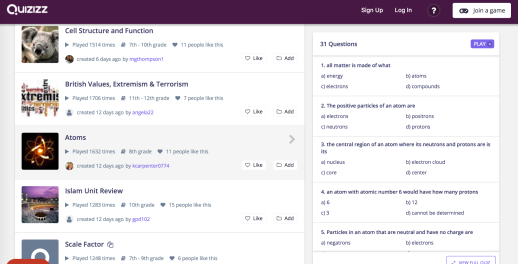
Quizizz is similar to Kahoot but with the added bonus of being able to display the quiz questions directly on all student devices. It also has a large library of premade quizzes from teachers and students all around the world.
Screen Shot 2018-08-16 at 12.50.07 PM
Screen Shot 2018-08-16 at 12.51.19 PM
Quizizz also has an app is on all library iPads so theoretically, a class could borrow them so they all had an iPad in front of them and their laptops could be freed up (or put away) depending on need.
Screen Shot 2018-08-16 at 12.49.55 PM

Socrative

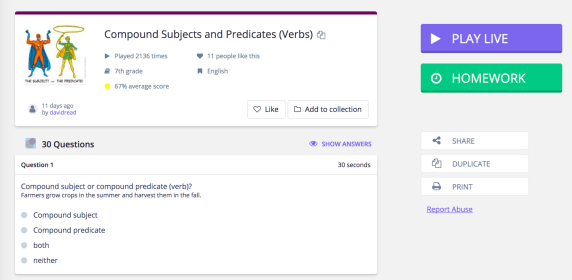
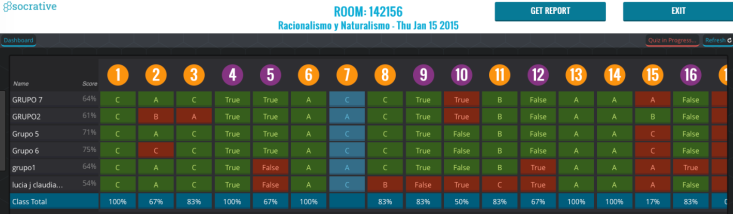
Socrative is in the same family of quiz creators and interactive digital learning platforms that help track student understanding in real time. You can set up classes as well so in effect it is a more formalized collection of student data than other quiz platforms like Quizlet or Kahoot.
Screen Shot 2018-08-16 at 12.42.05 PM
Watch a video demo below!

FLIPQUIZ

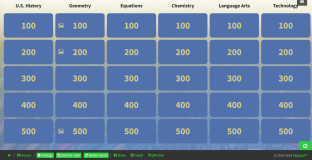
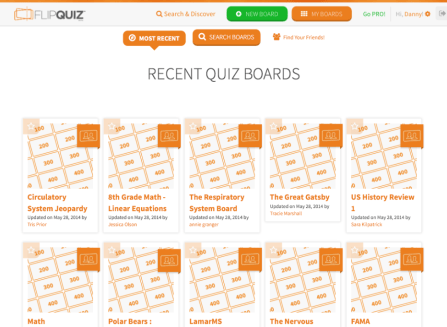
FLIPQUIZ is a resource for making Jeopardy-style games. It doesn’t link you to student responses, in the same way, some of the other platforms like Kahoot or Quizlet do, but it is a good option to have on hand, particularly for students that want to use this as a component to a presented lesson.
Click HERE try out a live demo template
Click HERE for a video overview
Screen Shot 2018-08-15 at 6.27.20 PM
Screen Shot 2018-08-15 at 6.30.44 PM

FLIPGRID

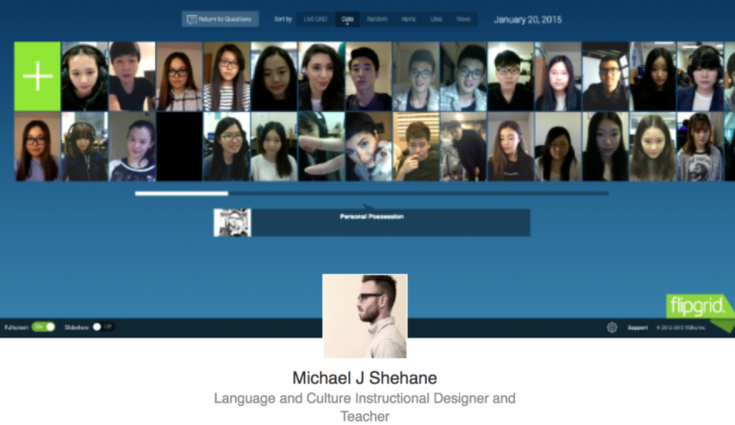
Flipgrid is a popular platform for sharing and valuing individual student voice. As the teacher, you “proctor” in a sense and students submit responses to lessons, homework, discussions, chapters, videos etc…
Screen Shot 2018-08-15 at 6.17.22 PM
Click HERE for a quick video overview.

EDpuzzle

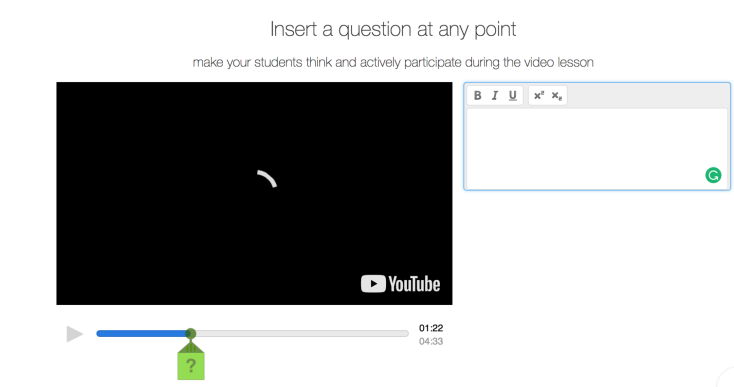
EDpuzzle is a program that lets you easily create lessons/mini-lessons and quizzes that incorporate video clips that you and/or students can annotate. It is a solid tool for both teacher designed and student created lessons.

Screen Shot 2018-08-15 at 6.00.24 PM

Fantasy Map Generator

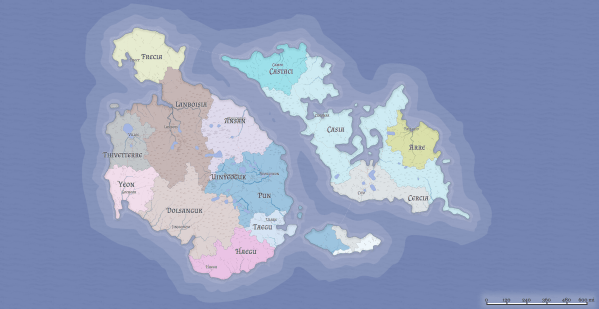
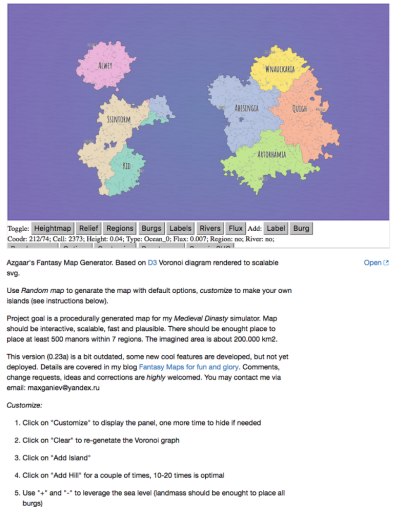
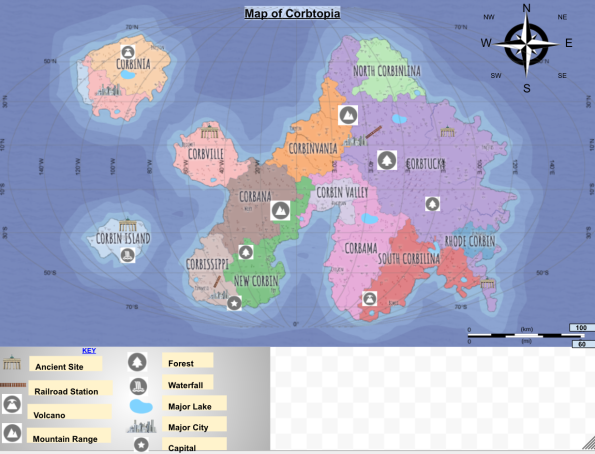
This is a map making resource where students can create their own fantasy world. It is one way to incorporate coding into a project where you want students to create a utopia/distopia and establish a government or teach about the flow of a planet’s resources. However, students can also just edit within the map and options menus without coding if it makes more sense for your lesson. To take it a step further, students can first generate and re-name a map here, and then import it into another mapping program to mark up, or even beyond that, bring it into coSpaces to get a “virtual view”.
Screen Shot 2018-08-15 at 5.25.10 PM
Click HERE for a few additional helpful resources you can adapt from a project some of our students used to create their own.
Screen Shot 2018-08-15 at 5.34.17 PM

Google Tour Builder

Google Tour Builder continues to become more powerful in its ability to create interactive maps and presentations, blending a multimedia map-making platform within Google Earth. Virtual reality is at the forefront of some of the biggest additions to the latest version. NOTE: The Tour Builder platform will be discontinued and merged into Google Arts and Culture in June 2021

NewseumED

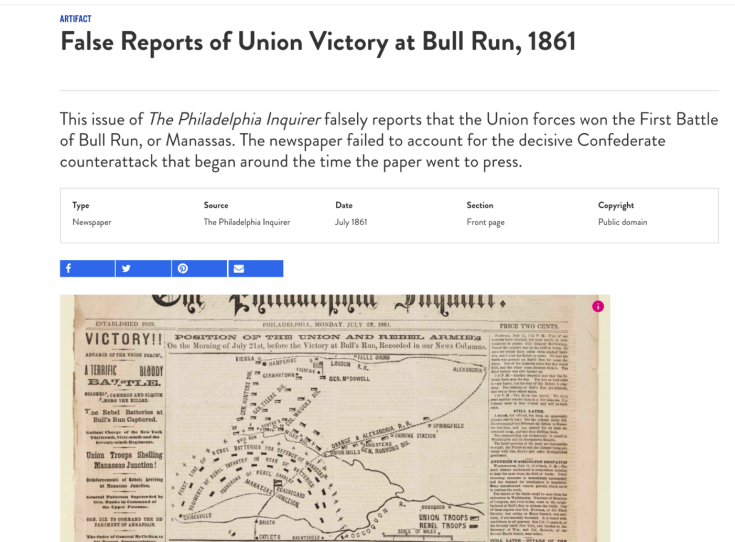
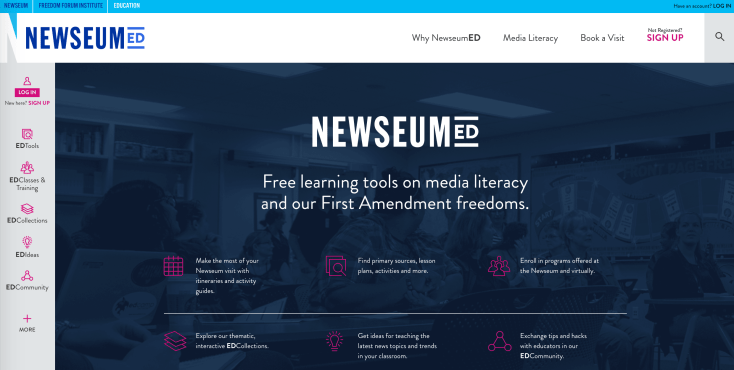
The Newseum has a really robust education branch that contains a huge volume of maps, primary sources and more. It also is a fantastic resource for teaching students about how to evaluate news and quality of information.
Screen Shot 2018-08-15 at 4.57.47 PM
Screen Shot 2018-08-15 at 5.02.14 PM

Tiki-Toki Digital Timelines

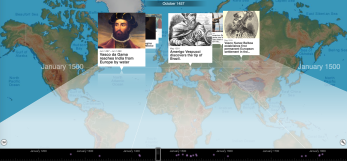
This site is a powerful way to help students gain perspective of time and space. There are multiple views that you can toggle between and many students can collaborate to create a master timeline
Click HERE to check out a timeline created by 4th graders during their study of explorers.
Screen Shot 2018-08-15 at 4.45.28 PM
2D View
Screen Shot 2018-08-15 at 4.46.29 PM
3D View

ThingLink

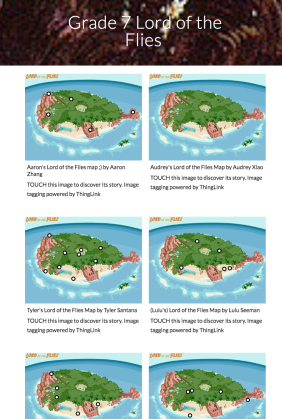
ThingLink is another option for independent student projects, or unit wrap-ups for students to show what they have learned. There are unlimited possibilities for using this platform either in teaching, student learning, assessment, and lesson enhancement.

Click HERE to check out how some of our middle school students used ThingLink when reading Lord of the Flies in a 7th grade English class

Screen Shot 2018-08-15 at 4.35.33 PM

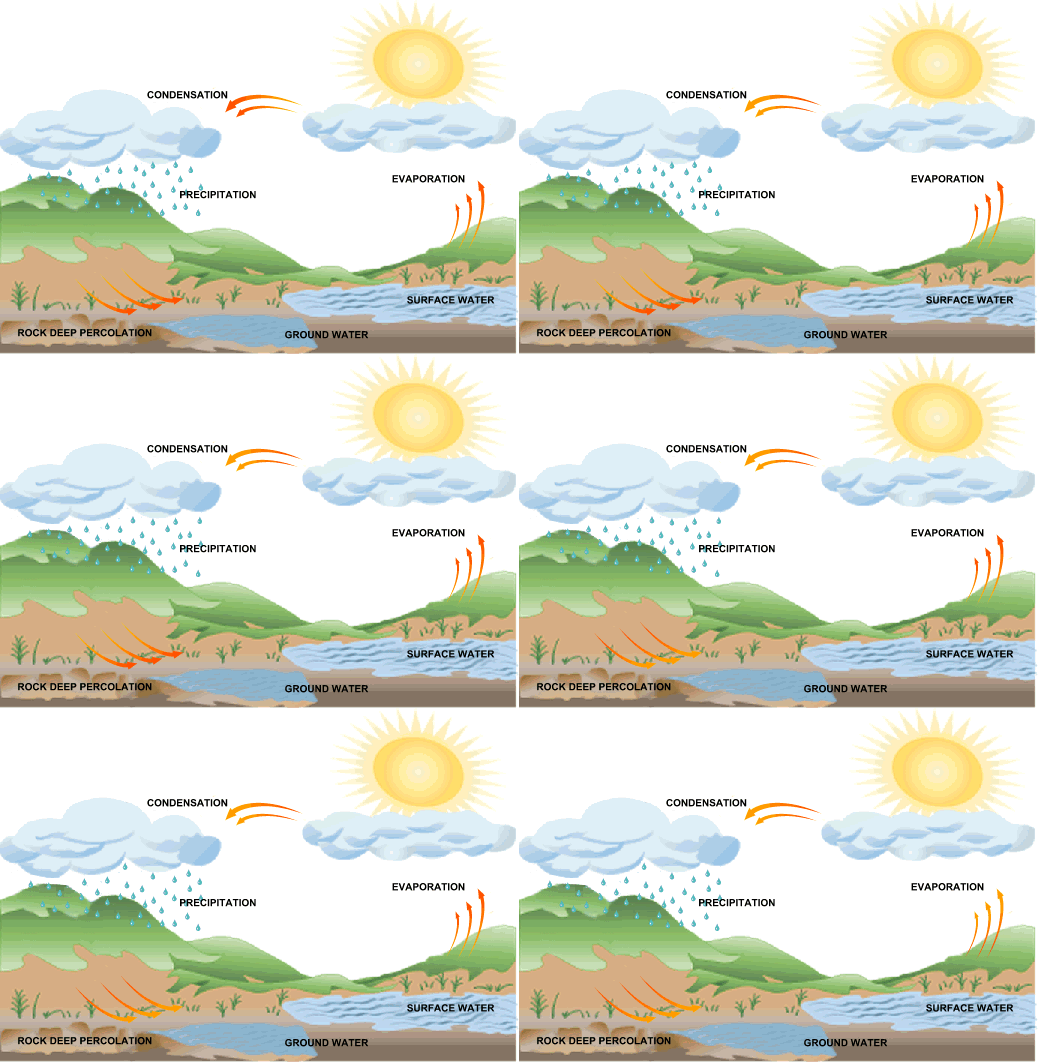
Click HERE to examine the picture below to see how one could embed info into an animated gif.

image

Tinybop

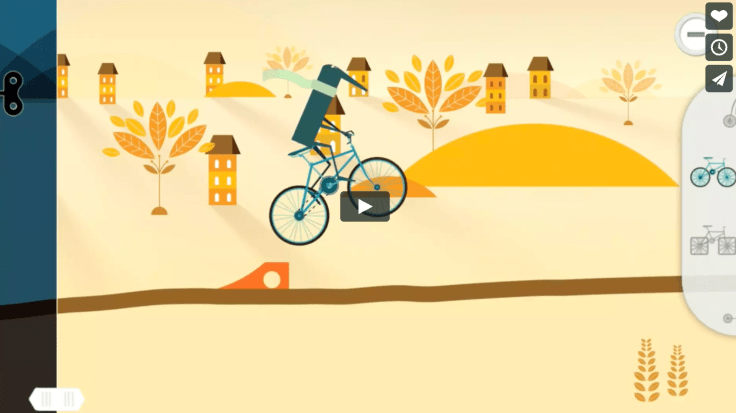
Tinybop is another app that allows students of a variety of ages to construct a course filled with ramps, gears, and pulleys to traverse through a scene.Screen Shot 2018-08-10 at 9.52.59 PM

Virtual Field Trips Through VR

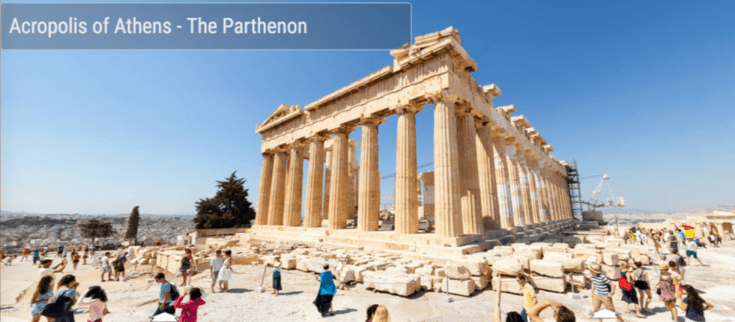
360Cities is a free catalog of 360 Photos and Videos from around the world. THOUSANDS of pictures that students can immerse themselves in with or without VR headsets. Check out a few of the many ancient Greek sites the 5th graders could explore. Best of all, this resource can be paired with CoSpaces as the images are free for the students to use.
Screen Shot 2018-08-07 at 10.45.14 PM

CoSpaces

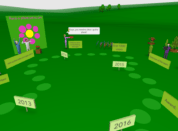
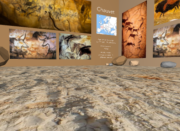
CoSpaces could actually live anywhere on this menu as it is more a platform whereScreen Shot 2018-08-07 at 10.32.32 PM can create a 3-D world embedding any content they wish. One particularly powerful possibility is having students create a virtual museum, either collectively or individually.
Screen Shot 2018-08-07 at 10.32.23 PM
Students wishing to code may do so as it can use drag and drop for the non-coder, block-based coding for the novice coder, and java for the advanced coder. As a cherry on top, students can explore their world, museum, etc… using a virtual reality headset. 
 
Screen Shot 2018-08-07 at 10.32.42 PM
Screen Shot 2018-08-07 at 10.32.55 PMScreen Shot 2018-08-07 at 10.33.05 PM

Book Creator: iPad

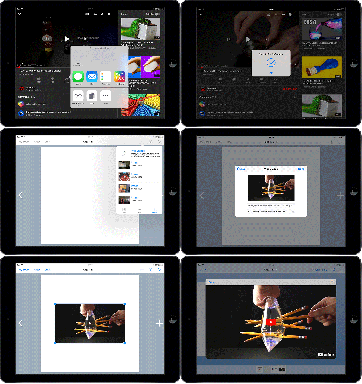
Book Creator has been a familiar resource for a few years now, but constant updates to the program have now really begun to unleash possibilities. The online platform allows our students to really tap into the ease with which they can create e-books and organize them on a digital bookshelf. It could even be a viable alternative to websites for housing and publishing their research projects.

Book Creator has also added a major update this Fall; the ability to embed content from

embedding-a-youtube-video-in-book-creator-ipad
Embed from other sites and apps with a click of a button!

other sites and applications!

Explore some samples of ways our students have used Book Creator below!

Blog at WordPress.com.

Up ↑