
Catchy Words

Screen Shot 2020-03-16 at 7.38.29 PM

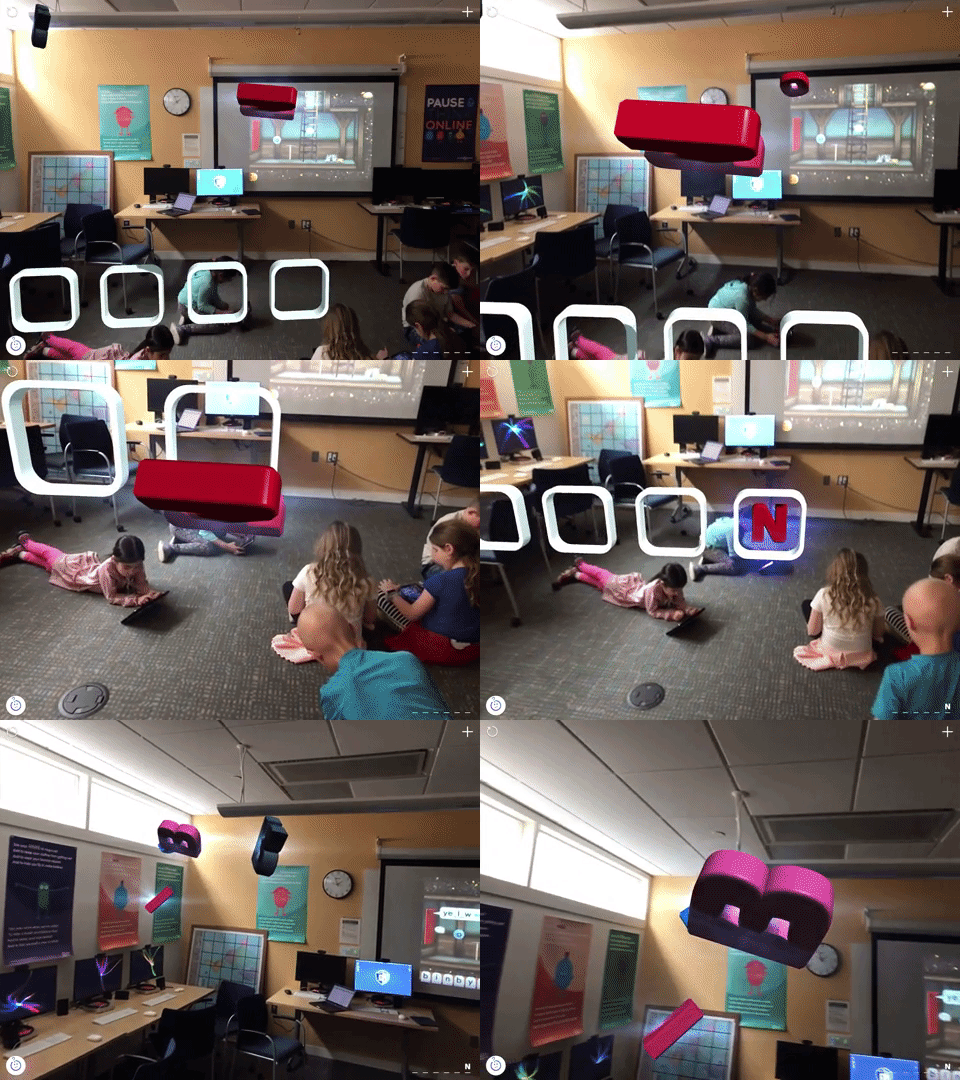
Catchy Words is a great app that uses augmented reality to engage students in practicing spelling in a very interactive and multi-sensory way. Using an iPad, students can find letters that appear to be floating around the room and place them in the correct order to spell words. They can either access different words from a variety of lists already created and leveled, or they can add their own words that correspond to their own weekly spelling list, word study, or thematic unit.
giphy

Book Creator: Online

Book Creator has been a familiar resource for a few years now, but constant updates to the program have now really begun to unleash possibilities. The online platform allows our students to really tap into the ease with which they can create e-books and organize them on a digital bookshelf. It could even be a viable alternative to websites for housing and publishing their research projects.

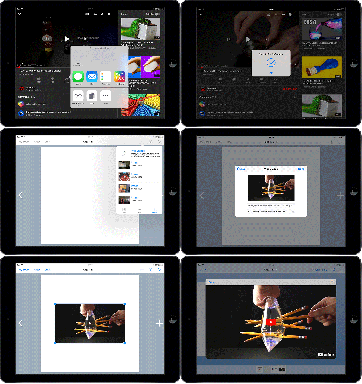
Book Creator has also added a major update this Fall; the ability to embed content from

embedding-a-youtube-video-in-book-creator-ipad
Embed from other sites and apps with a click of a button!

other sites and applications!

Explore some samples of ways our students have used Book Creator below!

Khan Academy: Math

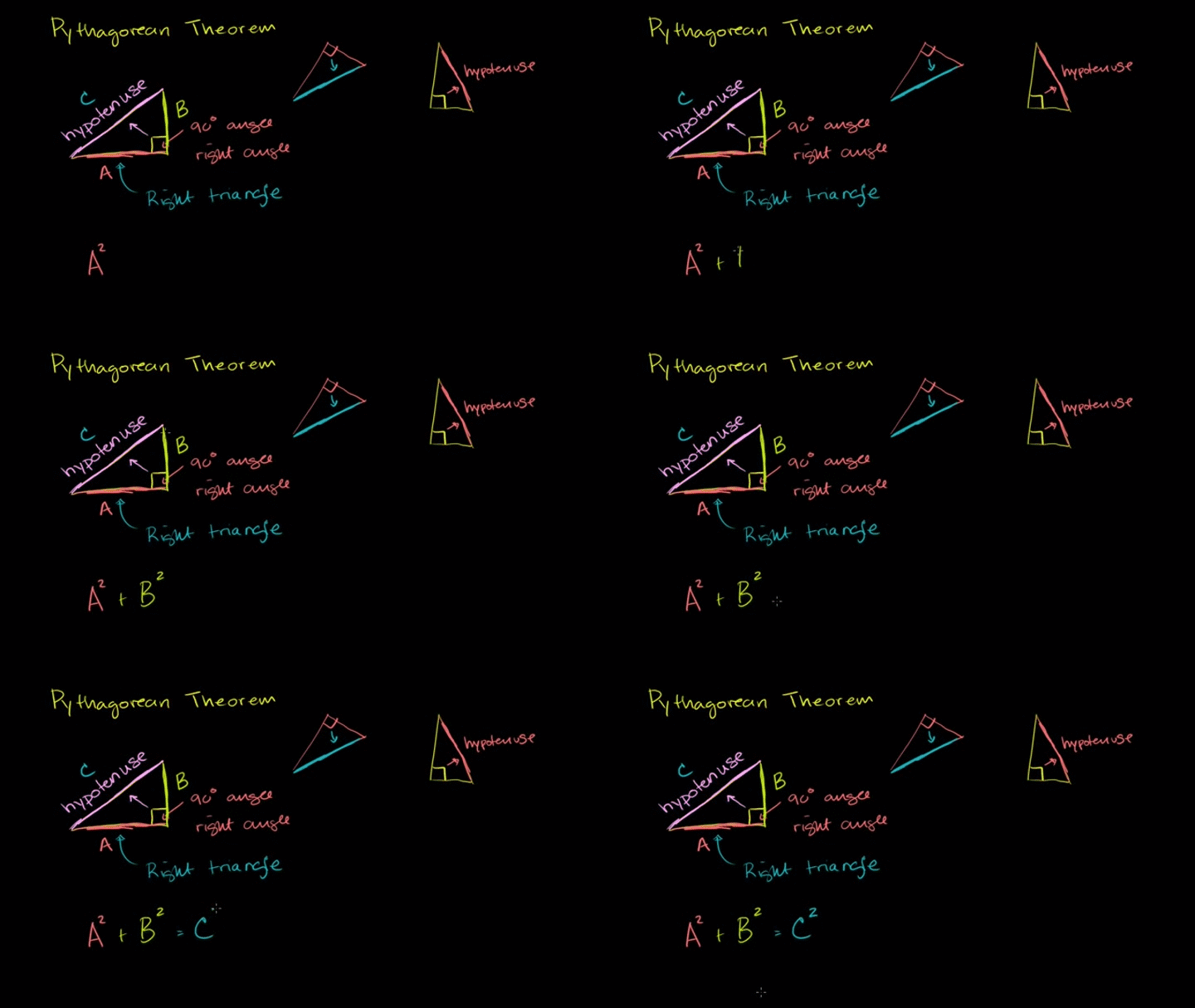
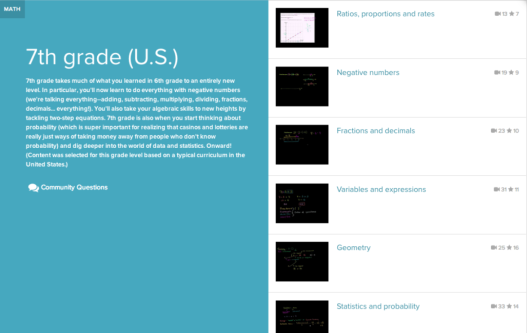
You are likely already plenty familiar with Khan Academy as it has already been used by our math department to provide additional tutorials for students. Along with other powerful tutorial sites, a link to this completely free resource can also be added to the sidebar of class Schoology pages or wherever math homework is assigned. While the lessons are not specifically Singapore aligned in their explanations, for our older students it allows for tutorials as an additional accompaniment to their learning.

***Side Idea*** Once students get some experience with evaluating what makes a successful video tutorial, there are a number of platforms featured on this site that we can use to curate and showcase our own student lessons.

khan


Screen Shot 2018-08-27 at 9.20.33 AM


EquatIO

This is an extension that you add to Chrome for easy overlay of math equations etc… into a Google Doc and other sharable cloud-based resources. It is a highly recommended resource to explore as it takes seconds to add and could save you, and even potentially students, considerable amounts of time.


Screen Shot 2018-08-19 at 10.37.32 AM

Desmos

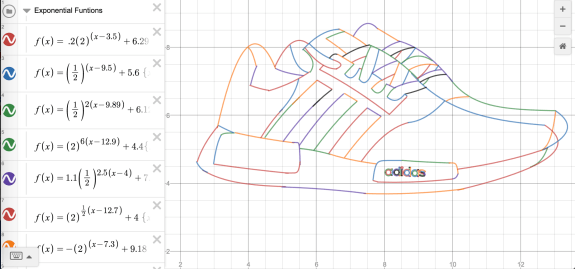
Desmos is a free online graphing calculator that you are likely already familiar with. It is a quick and easy “go-to” for graphing data and can also be used to create images and designs based on that data.
Screen Shot 2018-08-17 at 8.25.03 AM
Screen Shot 2018-08-17 at 8.26.11 AM.png

FLIPQUIZ

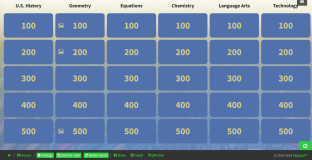
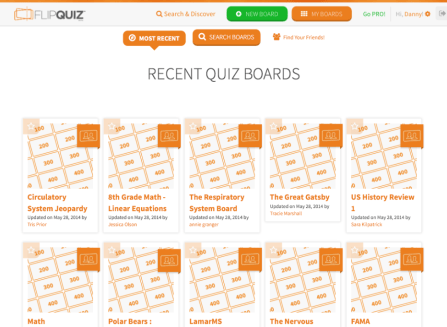
FLIPQUIZ is a resource for making Jeopardy-style games. It doesn’t link you to student responses, in the same way, some of the other platforms like Kahoot or Quizlet do, but it is a good option to have on hand, particularly for students that want to use this as a component to a presented lesson.
Click HERE try out a live demo template
Click HERE for a video overview
Screen Shot 2018-08-15 at 6.27.20 PM
Screen Shot 2018-08-15 at 6.30.44 PM

FLIPGRID

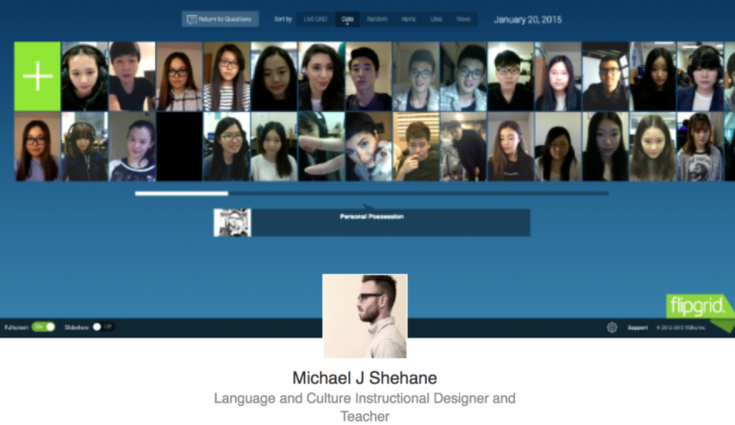
Flipgrid is a popular platform for sharing and valuing individual student voice. As the teacher, you “proctor” in a sense and students submit responses to lessons, homework, discussions, chapters, videos etc…
Screen Shot 2018-08-15 at 6.17.22 PM
Click HERE for a quick video overview.

EDpuzzle

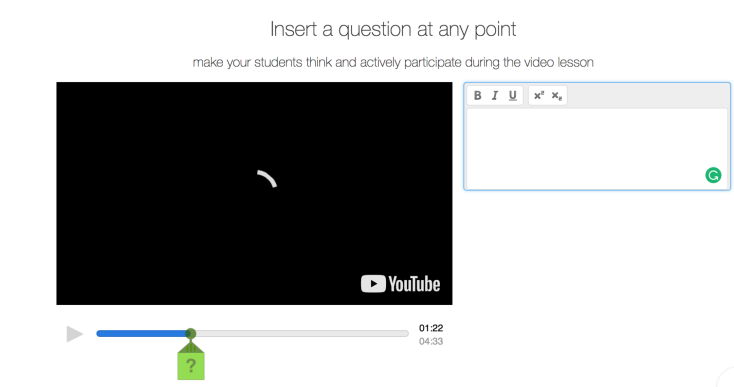
EDpuzzle is a program that lets you easily create lessons/mini-lessons and quizzes that incorporate video clips that you and/or students can annotate. It is a solid tool for both teacher designed and student created lessons.

Screen Shot 2018-08-15 at 6.00.24 PM

NewseumED

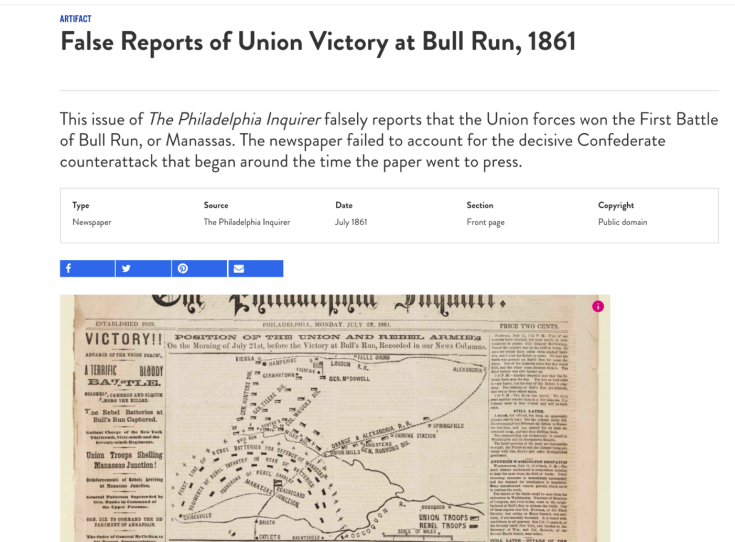
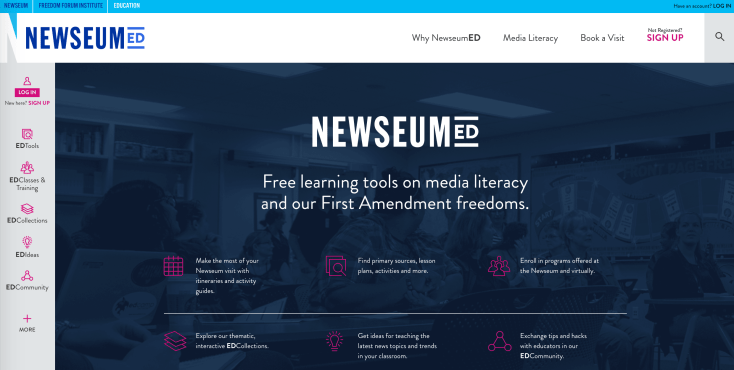
The Newseum has a really robust education branch that contains a huge volume of maps, primary sources and more. It also is a fantastic resource for teaching students about how to evaluate news and quality of information.
Screen Shot 2018-08-15 at 4.57.47 PM
Screen Shot 2018-08-15 at 5.02.14 PM

Blog at WordPress.com.

Up ↑